


 Susan Moeller·Jun 2, 2026
11 Best Patient Scheduling Software Ranked and Reviewed
Busy phone lines, missed appointments, double bookings, no-shows, and inability to take calls 24/7 are some of the most common patient scheduling problems for healthcare practices of 2025. Why 2025? Because in 2026, healthcare practices, whether big or small, have all migrated to using online patient scheduling software.
This software is convenient, affordable, and it keeps you off the phone 24/7. It works automatically and even reduces the risk of human errors and double bookings for your appointments. If you set it up right, the best patient scheduling software can also onboard a patient before their visit online, which saves precious hours at your clinic/practice.
Overall, in 2026, there are more reasons to use a patient scheduling software than not. And this fact is driven home by the plethora of patient scheduling software options that are available today. So, now the question is, which patient scheduling software is right for you?
Well, we can’t make that decision for you, but we can give you a detailed review of the top 11 best patient scheduling software available in 2026. We’ve tested out each of these tools extensively before they end up on our list. So, you can comfortably trust our recommendations.
What is patient scheduling software?
Patient scheduling software is a client-facing scheduling app that helps healthcare practices and clinics book appointments with patients. As a healthcare software, one of the most important aspects of a patient scheduling software is that it integrates seamlessly with electronic health record (EHR) and electronic medical record (EMR) software.
Patient scheduling software also maintains strict HIPAA compliance to ensure any patient health information (PHI) is stored securely with enterprise-grade security. Most of the recommendations on our list provide signed business associate agreements (BAAs) to healthcare partners for adequate HIPAA compliance. Lastly, the purpose of patient scheduling software is to lower the workload of receptionists and admins on your team. The software can automatically:
-
Book appointments and block calendar across devices
-
Maintain your up-to-date availability at all times
-
Prevent double bookings across devices
-
Prevent no-shows with automated appointment confirmation and reminder messages
-
Collect payment during appointment booking
-
Help patients undergo onboarding with routing forms before the appointment
Yes, all of these functions and more are possible completely autonomously when you use the right patient scheduling software. This brings us to the question: What are some features in patient scheduling software that you should look for? Here are our top picks.
Features to look for in the best patient scheduling software
There are a lot of features in patient scheduling software, but not every software is of use to practices of different priorities. So, there are a few core features that you should look for in the scheduling software of your choice. This will help you get your basics right and get the most value for money when you integrate a new tool into your existing workflow.
-
EHR & EMR integration: The EHR and/or EMR is at the heart of most healthcare practices. Any tool that you add to your workflow must seamlessly work with your EHR and EMR. Not only should it be able to integrate, but it should also be able to deliver and call patient information as required for scheduling purposes without jeopardizing PHI.
-
HIPAA compliance: After the EHR and EMR integration comes HIPAA compliance. It is not possible to run a healthcare practice in the US without appropriate compliance with HIPAA regulations. So, your booking system must provide signed BAAs and offer enterprise-grade data security for PHI to ensure complete data security.
-
Patient self-scheduling: The purpose of a scheduling app is to allow patients to schedule appointments themselves without a phone call. Today, people are much more comfortable using a booking app or embedding than calling to book an appointment. Patient self-scheduling as a feature also allows your practice to be open for bookings at all times, even when you’re closed physically.
-
Intake forms: This seems like a small feature, but it offers a lot of time savings for patients and clinic staff. With the best patient scheduling software, you can easily automate patient onboarding and collect any pertinent information for their appointment with intake forms. It saves patients a headache, and they can fill out medical forms from the comfort of their homes.
-
Ease of use: If your patient scheduling software is not easy to use, it won’t have proper adoption at work, and you’ll face bottlenecks and a broken workflow more often than not. This is why ease of use is one of the top features you should look for in scheduling software.
-
Automation features: Automation features are a must for patient health scheduling software. They help with reducing the manual workload of your team, and it also helps with reducing the risk of human errors. Automated data update and scheduling are a lifesaver for your operations team, as it allows you to maintain complete operational efficiency.
-
Telehealth capabilities: In 2026, telehealth is more popular than ever before. As a result, your patient scheduling software should have telehealth and video conferencing support to allow patients the convenience of digital appointments. It can also help improve revenue flow for your business by improving your scope of service and helping you reach patients even beyond your geographical location.
11 best patient scheduling software 2026: quick comparison
| Platform | Transparent pricing | Scheduling features | Integrations | Ease of use |
|---|---|---|---|---|
| Cal.com | Yes | Excellent | Strong | Easy to use |
| JotForm | Yes | Good | Good | Moderate ease |
| AthenaHealth | No | Good | Average | Not easy |
| Luma Health | No | Good | Average | Not easy |
| AdvancedMD | No | Average | Good | Not easy |
| Acuity Scheduling | Yes | Great | Average | Easy to use |
| SimplePractice | Yes | Good | Good | Not easy |
| Tebra | No | Good | Good | Not easy |
| Dr Chrono | No | Good | Average | Not easy |
| RXNT | Yes | Great | Good | Not easy |
| NexHealth | No | Good | Average | Moderate ease |
The top 11 best patient scheduling software
1. Cal.com: best patient scheduling software overall
What it is: Cal.com is a modern and scalable patient scheduling software that’s built for customization and scalability. It is built to offer automated patient self-scheduling solutions to healthcare practices of all sizes with a reliable conditional booking engine. To put it simply, it works more reliably than AI-based appointment schedulers as it relies on rule-based scheduling, which is more transparent and stable than AI logic.
Why it ranks #1: Cal.com ranks #1 in our rankings due to several reasons, but the most important of them is its scalability. If you have just opened up your medical practice and you’re handling all the operations yourself, Cal.com can help you from right there with HIPAA-compliant scheduling. As your business grows, Cal.com can help you manage team members with collective team scheduling features.
It can help you access custom APIs to ensure Cal.com is perfectly integrated with your workflow. It can also grow with your business as large as you get to enterprise-levels. At this level, Cal.com can offer you your own hosted private database and self-hosting option to help you stay compliant with HIPAA and other relevant regulations. The scalability and support for healthcare practices of all sizes, while providing transparent pricing and a robust free plan, is why Cal.com ranks #1.
Standout features for healthcare practices
-
Quick set up: Cal.com is one of the fastest and ready-to-go patient scheduling software you will find. The entire setup process can be completed in a few hours, compared to enterprise-level software that takes weeks for setup. This speed helps you get started booking appointments from day one when you choose Cal.com.
-
Automation features: When you choose Cal.com, you get to automate and customize the functionality of your booking software to great lengths. Cal.com allows you to set up automated confirmations, reminders, and follow-ups for appointments. It can also play out scenarios where it helps patients pay for their appointment and helps them go through intake forms automatically after an appointment is booked.
-
EHR and EMR integration: Cal.com has strong native-level integration with most EHR and EMR software available today. The integration helps you ensure that your existing workflow remains untouched, and Cal.com adds the benefits of automated scheduling without complicating your workflow in any way.
-
API-first infrastructure: Cal.com’s integrations are powered by its API-first infrastructure. What does it mean? It means Cal.com can create reliable connections with your workflow tools without failures or data leaks. This is crucial for healthcare organizations.
-
HIPAA compliance: Cal.com provides signed BAAs for HIPAA compliance for free with the organization plan. Other plan users can also acquire a signed BAA for a one-time cost of $300. This helps ensure Cal.com and work as the scheduling layer of your healthcare practice, and still be fully compliant with government regulations.
Pros
-
Easy-to-use software
-
Doesn’t require heavy infrastructure to use
-
Scalable scheduling app for healthcare practices
-
Best in class free plan with excellent value for money, transparent paid plans
-
Abundant healthcare-specific features to help healthcare practices automate scheduling
Cons
-
Requires some tech experience to optimally set up
-
Many features may come in use only for larger multi-location and multi-provider practices
Pricing: Cal.com has a robust free plan that’s free forever for individuals. The paid plans start at $12 per month.
Best for: Thanks to its scalability and healthcare-specific features, Cal.com is best suited for healthcare practices of all sizes. This is why it's ranked #1.
2. Jotform
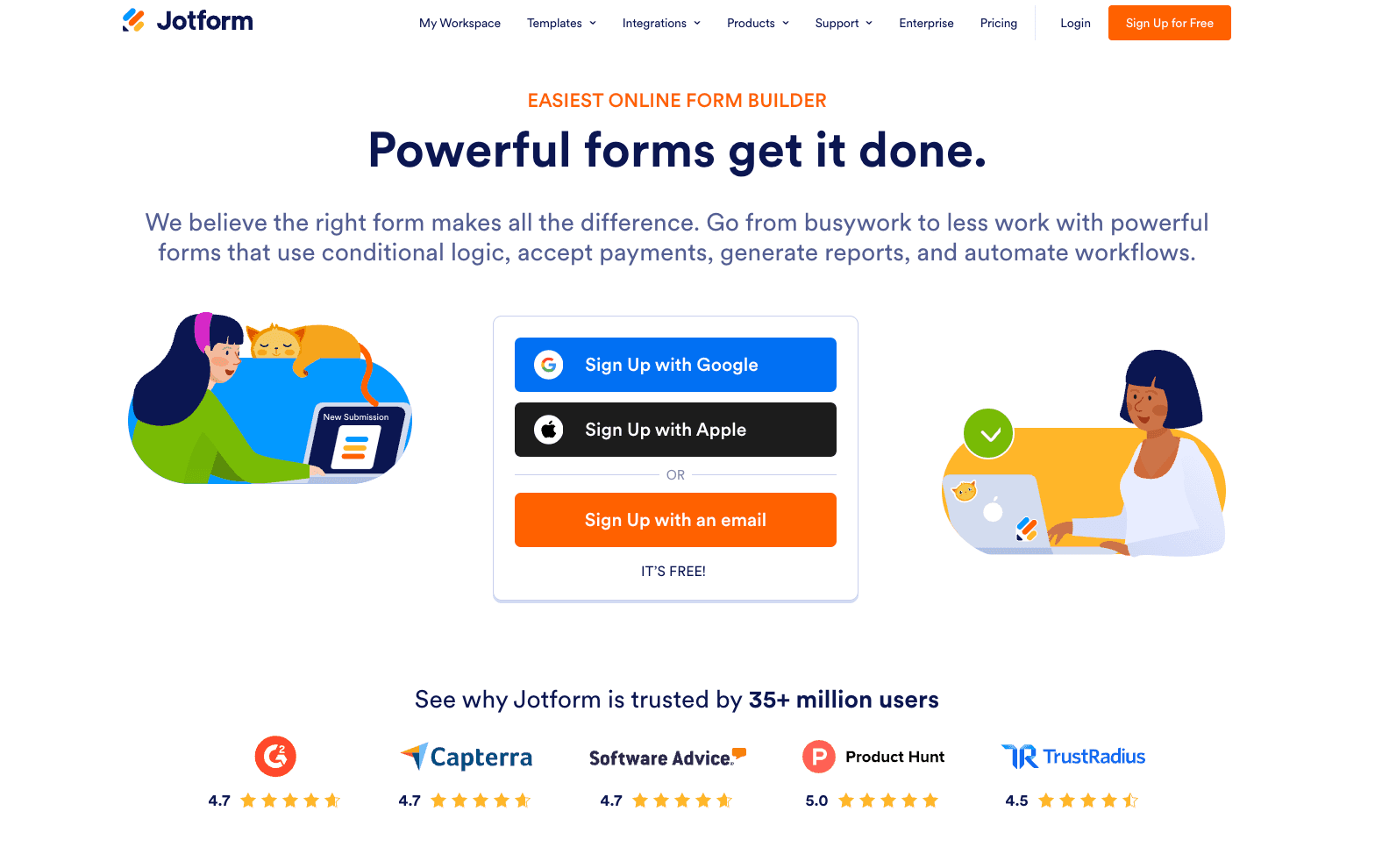
Jotform is an easy-to-use online form builder that can be used for appointment scheduling, patient intake, and data collection workflows for healthcare providers.
With its drag-and-drop form builder, practices can create customized appointment request forms, collect patient information, and automate follow-ups without coding. Conditional logic and workflow automation help route submissions, send confirmations, and manage scheduling processes more efficiently.
Jotform also supports integrations with 150+ business tools, allowing teams to connect scheduling workflows with their existing systems. On supported plans, HIPAA-compliant features enable the secure collection of sensitive patient data, making it suitable for healthcare use cases.
Trusted by over 35 million users, Jotform is a flexible option for teams looking to manage appointment scheduling and patient intake without adopting a full practice management system.
Pros
-
Easy-to-use drag-and-drop form builder
-
Customizable appointment scheduling and intake workflows
-
150+ integrations with business tools
-
HIPAA-compliant options available
Cons
-
Not a dedicated patient scheduling or EHR system
-
Scheduling is form-based rather than calendar-native
-
Advanced workflows may require setup
Pricing: Free plan available; paid plans start at $34 per month and offer more form limits and advanced features like HIPAA compliance.
3. Athena Health
What it is: AthenaHealth, which is also known as AthenaOne, is a cloud-based system that combines EHR, practice management, and billing in one software. So, in short, Athena Health works as a complete practice management solution, complete with a patient scheduling software built in. However, being the all-in-one software, it has reduced feature depth.
Standout features for healthcare practices
-
Visual software: AthenaHealth has a visual-based, color-coded scheduling flow. This helps teams visualize their scheduling flow and easily track appointments.
-
Dedicated patient portal: As a dedicated healthcare practice software, AthenaHealth has a dedicated patient portal where patients can refill prescriptions and book appointments themselves.
-
EHR integration: Despite having the features to make itself an EHR-level practice management software, AthenaHealth also integrates with other EHR and EMR systems.
-
Medical billing: Billing is one of the most important aspects of practice management, and AthenaHealth allows teams to bill patients directly from the app.
Pros
-
Dedicated features for healthcare teams with practice management capabilities
-
Has visual based easy to use scheduling system
-
Suited for different types of healthcare practices
Cons
-
Not suited to the needs of a smaller practice
-
Requires a long time to set up and use
-
Limited feature depth
-
Non-transparent pricing
Pricing: AthenaOne does not have publicly listed pricing on its website. The company uses a custom quote-based pricing.
Best for: Larger practices that want an all-in-one platform and require custom solutions.
4. Luma Health
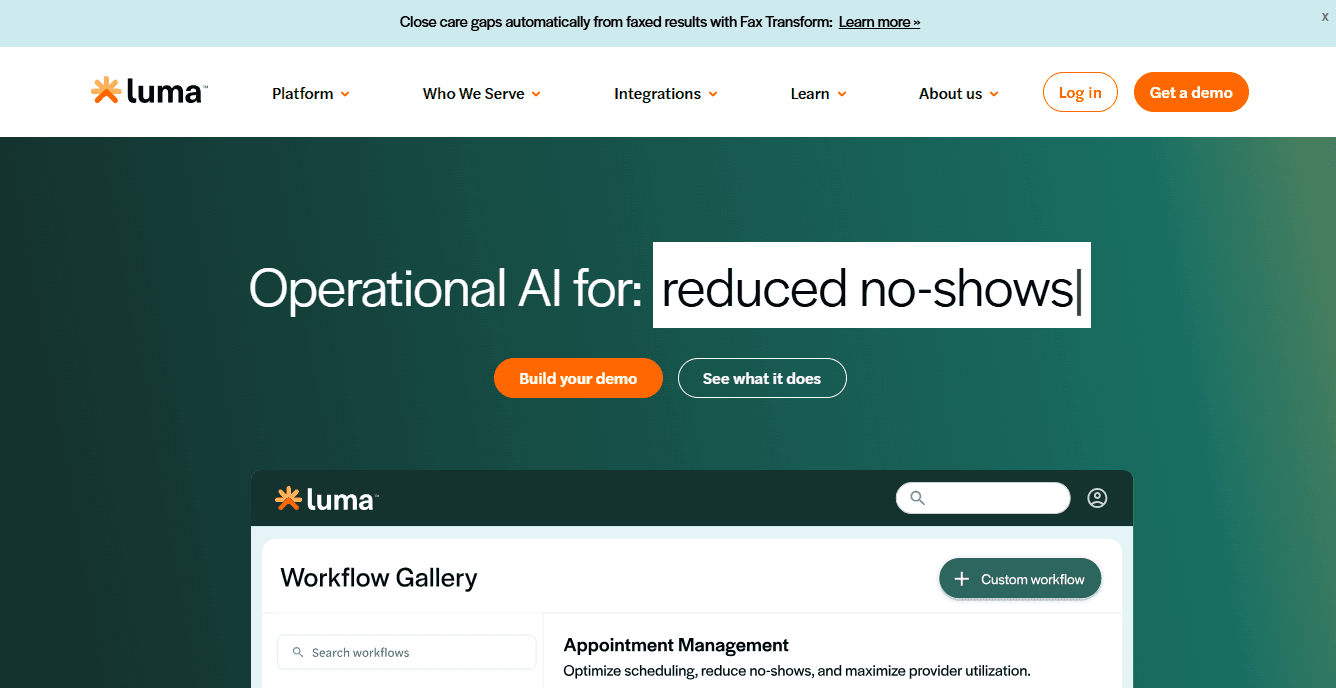
What it is: Luma Health is an AI-based practice management software with scheduling features. The software is suited to help healthcare practices reduce no-shows and improve team efficiency with reduced manual workload for appointment management. Luma Health offers AI-based features for patient access, intake, payments, and patient engagement.
Standout features for healthcare practices
-
Multilingual support: Luma Health uses AI to translate booking pages and messaging into 30+ languages. This makes your practice more inclusive and open for all users.
-
Reduced no-shows: The AI-based features of Luma Health allow for no-show coverage. This is made possible by offering cancelled appointment slots to new patients. This ensures revenue targets are met without hampering operational efficiency.
-
Agentic patient intake: Luma Health offers agentic features for patient intake, as it helps patients undergo onboarding and intake with forms in a smooth process after an appointment is made.
-
Payment integration: Much like AthenaOne, Luma Health also offers integration with payment and billing to ensure patients can be billed using the same software without any separate integrations.
Pros
-
AI-based features for healthcare practices
-
Support for over 30 languages
-
Payment integration
Cons
-
Limited feature depth
-
Questionable reliability of AI features
-
Requires existing EHR integration
-
Does not offer all practice management features
Pricing: Luma Health does not disclose pricing online on its website. They support custom quote-based pricing for their software.
Best for: Healthcare practices that want AI-based patient scheduling solutions.
5. AdvancedMD
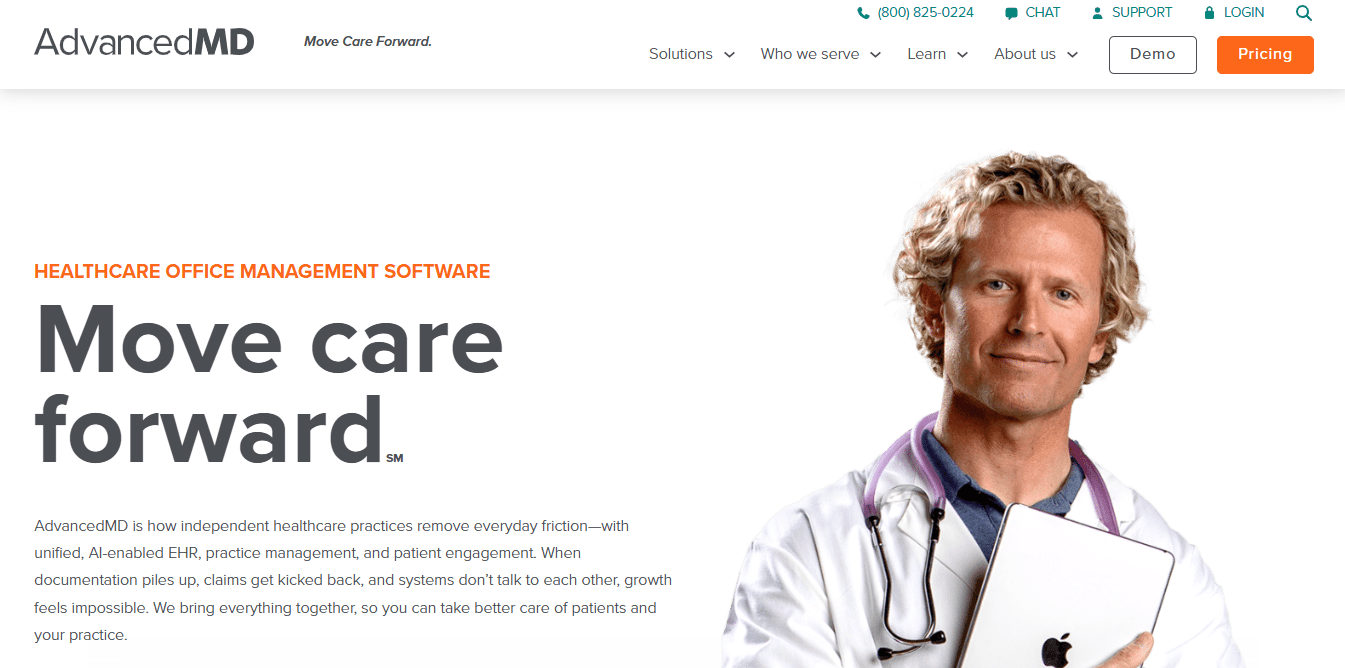
What it is: AdvancedMD aligns with the likes of AthenaOne and Luma Health as a patient scheduling software. It is basically a cloud-based patient scheduling software that combines EHR features. However, since it doesn’t work as a dedicated EHR, there are feature gaps. This is why you can’t use it independently as both an EHR and patient scheduling software.
Standout features for healthcare practices
-
Automation features: Instead of focusing on AI features, AdvancedMD has automation features that help teams reduce the time spent on repetitive tasks.
-
Scheduling support: AdvancedMD has scheduling features that are useful for healthcare teams. These features make the software useful for medical practices of all times.
-
Mobile app support: As a modern scheduling and EHR solution, AdvancedMD has mobile app support for patients and healthcare providers.
-
Priority support: To ensure easy access to all features and support that helps teams get their work done on time, AdvancedMD offers priority support.
Pros
-
Dedicated practice management features
-
Billing is included in the software features
-
Can manage complex scheduling workflows
Cons
-
Non-transparent pricing
-
Significant RevOps infrastructure required
-
Limited feature depth
-
Not suited for smaller practices
Pricing: AdvancedMD does not have publicly listed pricing; the pricing is quote-based and custom, based on conversations with the sales team.
Best for: AdvancedMD is best suited for multi-location healthcare clinics that require complex scheduling and an all-in-one practice management solution.
6. Acuity Scheduling
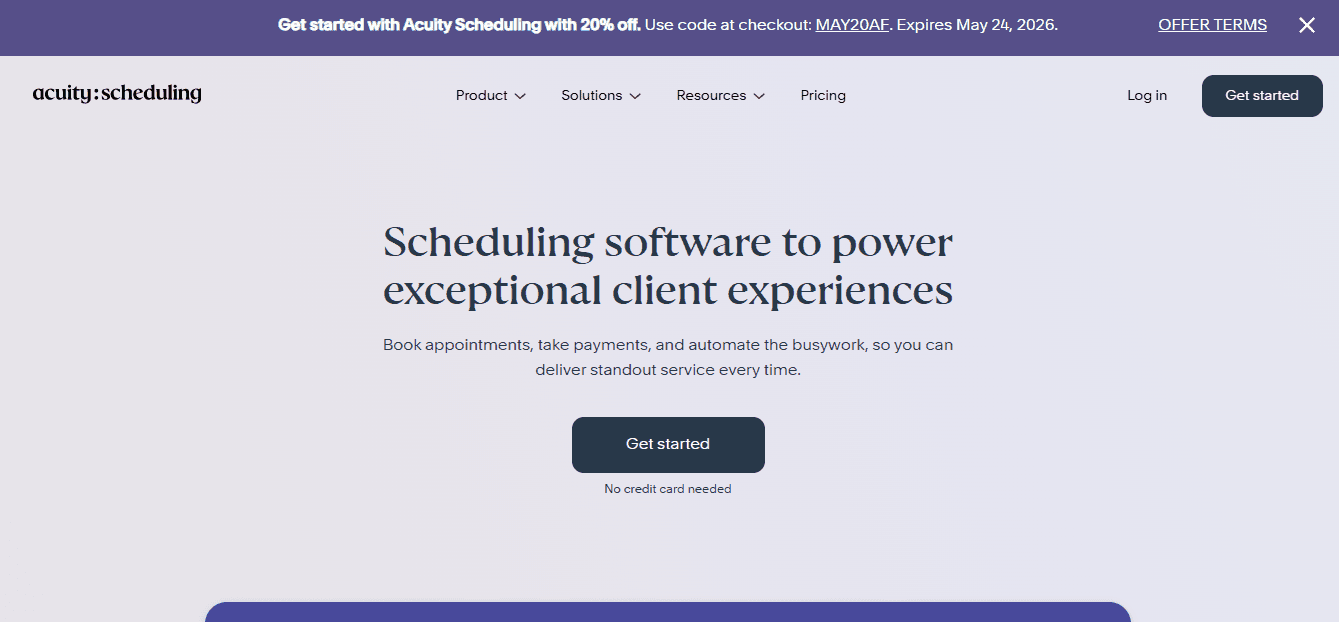
What it is: Acuity Scheduling is a modern scheduling app that’s focused on service-based businesses. It is not curated specifically for healthcare businesses like a lot of the other options in our listing. However, Acuity Scheduling works better than many dedicated patient scheduling apps because of its reliable booking engine. Acuity Scheduling also has HIPAA-compliant integration, which makes it a suitable healthcare scheduling software.
Standout features for healthcare practices
-
Easy setup: Unlike practice management software. Acuity Scheduling is easy to set up and helps you get started booking appointments quickly, like Cal.com.
-
Integrated payments: This is not the same as medical billing, but healthcare practices can set up payments during appointment booking with Acuity Scheduling
-
Integrations: Acuity Scheduling can work with other software and calendar applications to offer a reliable scheduling experience for patients.
-
Supports intake forms: Acuity Scheduling can make patient onboarding easier with intake forms that can be customized to meet the specific requirements of healthcare practices. However, customization options may require a subscription to higher-priced plans.
Pros
-
Simple patient scheduling interface
-
Reliable booking engine
-
Popular among small medical practices
Cons
-
HIPAA-compliance requires higher-paid plans
-
Doesn’t integrate well with EHRs
-
Limited reporting and analytics options
-
Limited feature depth
Pricing: Acuity Scheduling does not have a free plan, just a free trial option. The paid plans start at $16 per month.
Best for: Acuity Scheduling is suited for smaller solo medical practices.
7. SimplePractice
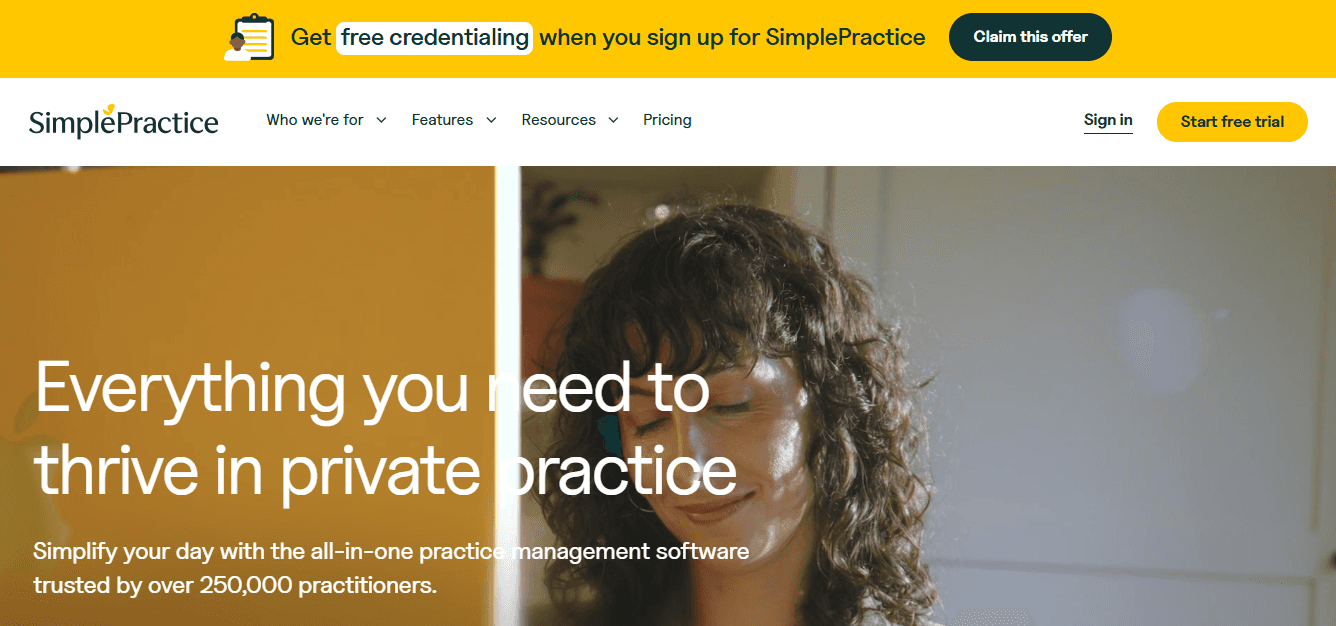
What it is: SimplePractice is a telehealth-focused patient scheduling software. Mental health professionals and therapists also regularly use SimplePractice as it has several features that are catered directly to them. The goal here is to make digital healthcare visits accessible inside a HIPAA-compliant wrapper.
Standout features for healthcare practices
-
Telehealth support: With SimplePractice, practitioners can set up video online consultations with patients, which is why it is widely used by therapists.
-
HIPAA compliance: As a non-negotiable, SimplePractice offers and maintains HIPAA compliance for hosted plans with secure video sessions through the software.
-
Self-booking: Patients can book appointments 24/7 using the SimplePractice app. It allows healthcare practices to remain available at all times for appointment booking.
-
Physician notes: SimplePractice allows physicians to maintain notes for every patient, which helps them always stay up-to-date on patient prognosis and treatment updates.
Pros
-
Integrated video consultation support
-
Payment integration support
-
Suited for therapists and telehealth consultants
Cons
-
Many features are paywalled
-
Limited support for multi-provider practices
-
Not suited for larger medical practices with multiple locations
Pricing: SimplePractice does not have a free plan. It has paid plans starting at $24.50 per month.
Best for: SimplePractice is best for therapists, counselors, and mental health specialists.
8. Tebra
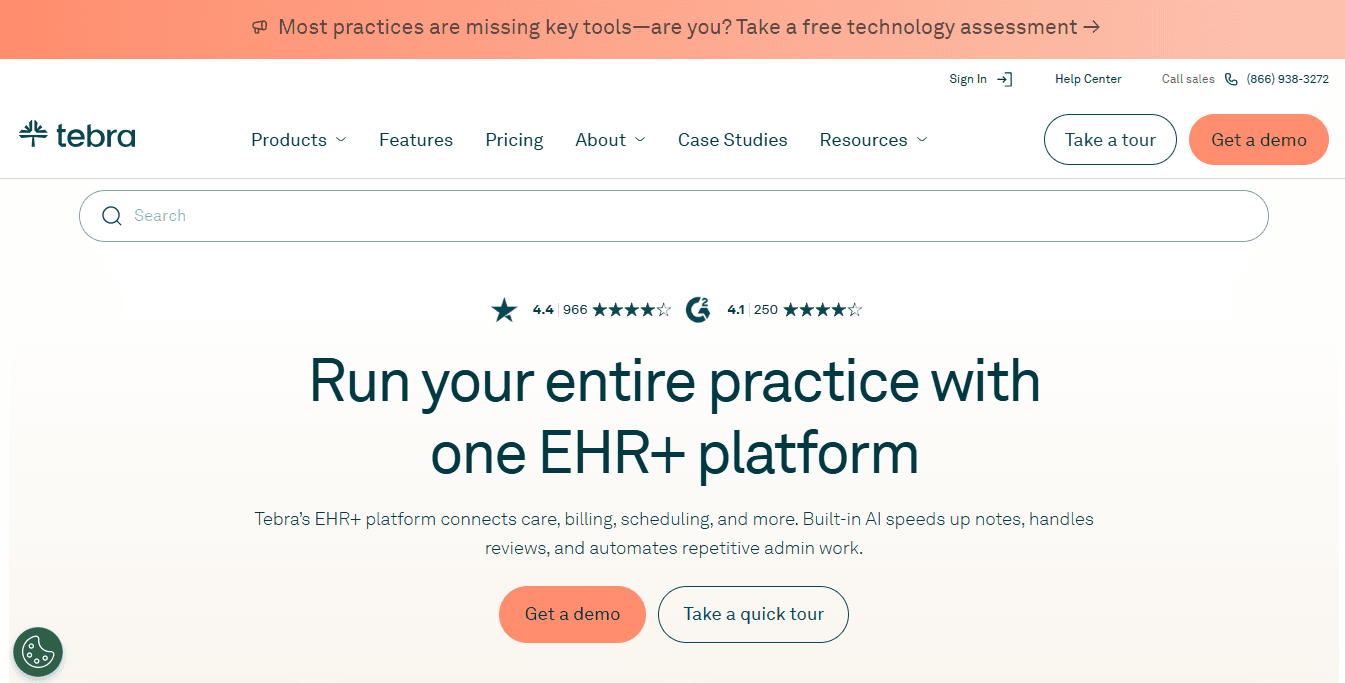
What it is: Tebra is much like the practice management tools we’ve discussed earlier. It combines practice management, scheduling, patient engagement, and billing, all features built into one platform. The problem with this style is that not all the features make it a standalone app, and as a result, it leads to additional costs for practices to use Tebra.
Standout features for healthcare practices
-
Calendar integration: With Tebra, you can integrate with popular calendar apps like Google Calendar, Microsoft Outlook, and iCalendar to sync schedules across devices.
-
Patient portal: Much like other practice management software, Tebra has a dedicated patient portal to help patients book appointments online at their convenience.
-
Secure messaging: You can message with patients in a secure environment with Tebra. The messages are encrypted and protected under the guidelines of HIPAA.
-
Billing support: Tebra supports patient billing, which makes it convenient for practices that want an all-in-one practice management feel.
Pros
-
Patient portal experience is good for onboarding
-
Easy to use among other practice management software
Cons
-
Custom quote-based pricing
-
Doesn’t have adequate feature depth for smaller practices
-
Marketing features are limited for practices
Pricing: Custom quote-based pricing, transparent pricing not available online.
Best for: Tebra is best for mid-size medical practices that require an all-in-one software with a secure messaging option.
9. Dr Chrono
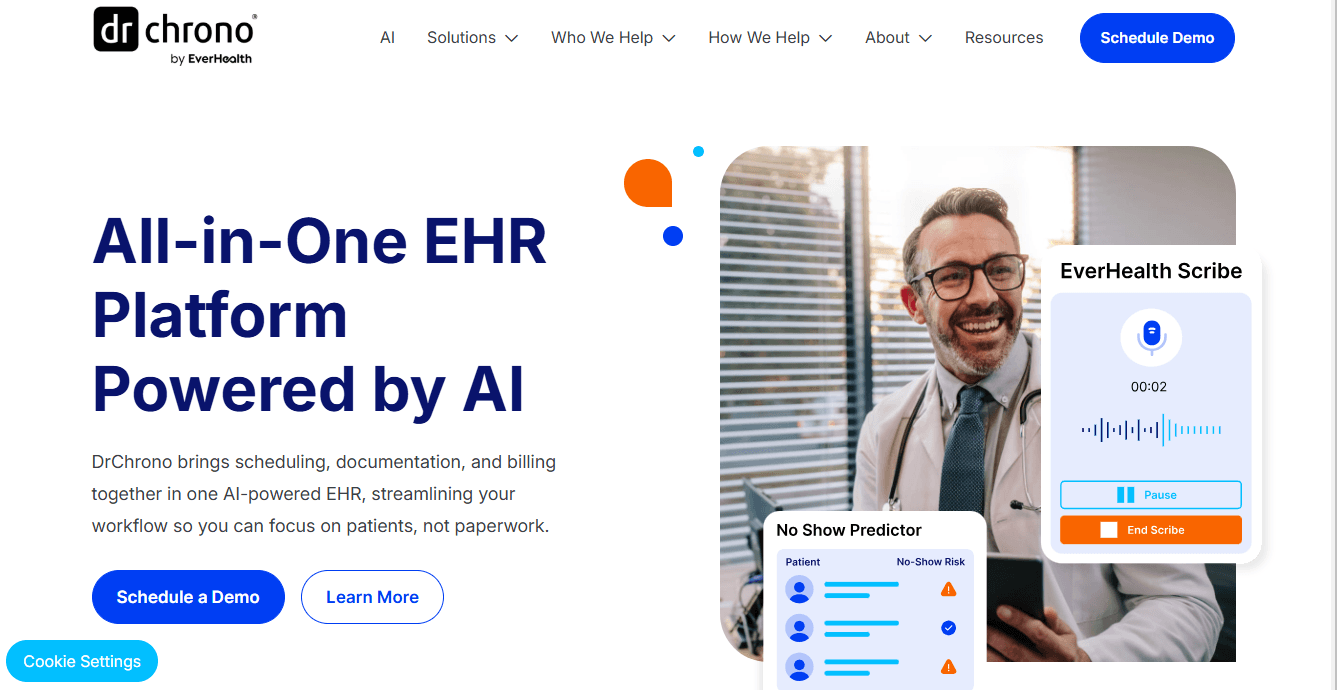
What it is: Dr Chrono is a popular choice for practice management software among practices that prefer a mobile-friendly working experience. Dr Chrono has an iPad first design and it helps clinicians maintain charts, notes, and prescriptions on their mobile devices. It must be mentioned that Dr Chrono has complete HIPAA-compliance, which ensures all notes and charts are secure inside the platform.
Standout features for healthcare practices
-
Mobile-first convenience: Being a mobile-forward practice management app helps the software become an integral part of the daily lives of clinicians. It helps practitioners move around while working without being stuck to their desk for admin work.
-
Self-scheduling option: Patients can schedule an appointment themselves online using a branded portal when practices use Dr Chrono
-
Real-time eligibility check: Insurance coverage is an important aspect of insurance billing. Dr Chrono offers real-time insurance coverage checks for patients.
Pros
-
Allows clinician note-taking
-
Real-time insurance eligibility check
-
Mobile app support
Cons
-
Non-transparent pricing
-
Not easy to use despite mobile app support
-
Not suited for high-volume healthcare practices
Pricing: Dr Chrono does not provide transparent pricing online.
Best for: Medical practices that want a mobile-first focus.
10. RXNT
What it is: RXNT is again a practice management software and EHR system. It supports HIPAA-compliant patient data protection on its hosted plans. For scheduling, it allows simple scheduling options with automation features that reduce the workload of teams. RXNT also supports e-prescriptions and billing, much like other practice management software.
Standout features for healthcare practices
-
Clinician note-taking: With RXNT, clinicians can take notes securely inside the software to stay up-to-date on patient treatments
-
Billing integrated: You can create billing for patients inside the RXNT practice management software
-
e-Prescription support: With RXNT, practitioners can generate e-prescriptions, which makes RXNT a good solution for telehealth providers
Pros
-
Native e-prescription and telehealth support
-
Simple interface that’s easy to use
-
Scheduling and notes are interlinked to each patient account
Cons
-
Lacks complex scheduling capabilities
-
Automation features are limited
-
Customization options are limited
Pricing: RXNT does not have a free plan. The paid plans start at $118 per month.
Best for: RXNT is best suited for healthcare practices that function on a hybrid telehealth and physical clinic model.
11. NexHealth
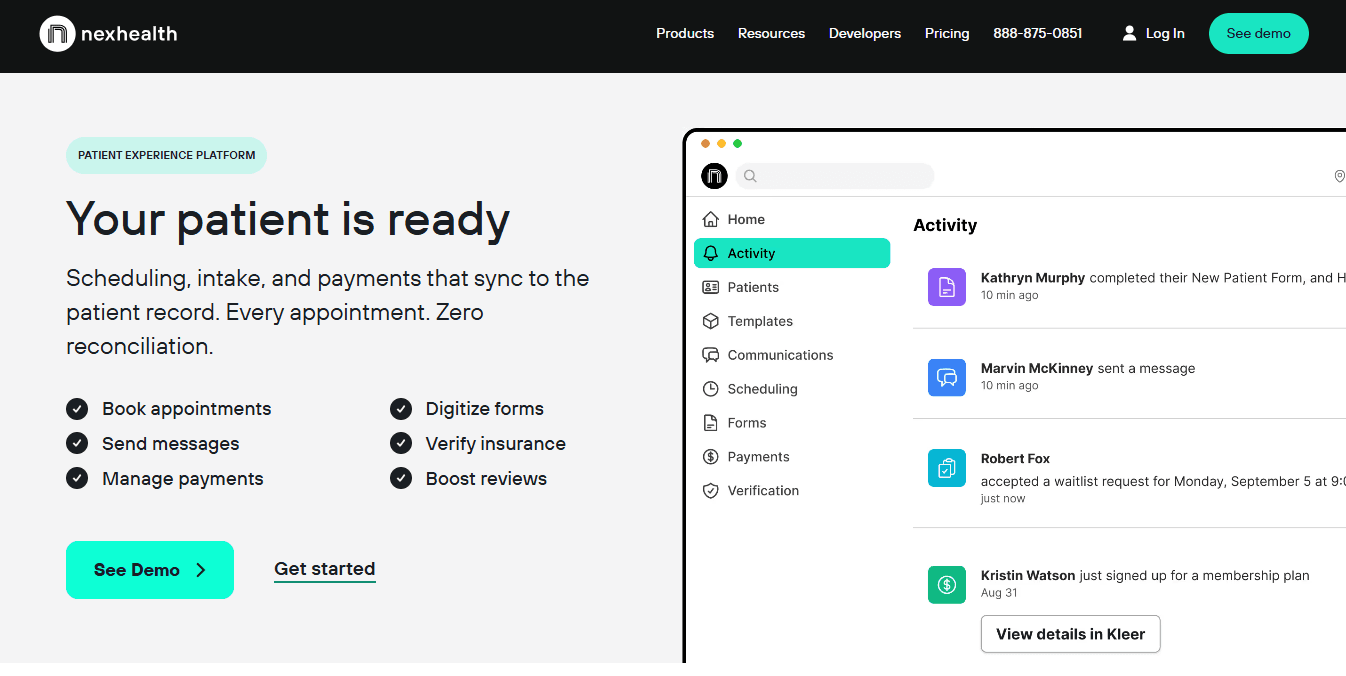
What it is: NexHealth is a niche medical practice management software that specifically caters to the needs of dental medical practices. It integrates well with an EHR platform, which is one of its best features. Additionally, it adds a reliable scheduling layer and helps practices reduce no-shows.
Standout features for healthcare practices
-
Automation features: To help practitioners manage manual workload, NexHealth offers automation features that help automate repetitive admin tasks
-
Insurance verification support: Patient eligibility checks for insurance can be run natively inside NexHealth for dental practices. This is an useful feature for practitioners
-
Waitlist feature: If someone cancels their appointment last minute, NexHealth supports waitlisted appointments to take the canceled spot early.
Pros
-
Strong intake forms and communication tool integration
-
Real-time sync with EHR platforms
Cons
-
Use case flexibility is limited
-
Customization options are limited
-
Does not provide adequate value for money
-
Does not have transparent pricing
Pricing: Custom quote-based pricing that’s not available online transparently.
Best for: NexHealth is best for dental practices.
Final verdict
Cal.com ranks as the best patient scheduling software in 2026 because of its flexibility, scalability, and ease of use. Most of the software in our own rankings requires weeks of setup to be used adequately. Plus, despite being full-fledged practice management software, most of them require some other add-ons to be fully functional. So, it doesn’t give you the seamless feeling that you would want from a practice management tool.
But you know the software that offers just what’s promised without fail? Cal.com. It offers HIPAA-compliant scheduling and reporting without fuss, and it has a reliable booking engine that offers automations and reliable no-show prevention. For all these reasons, Cal.com ranks highly, and if you’re on the market for a new patient scheduling software, that’s where you should start in 2026.
Frequently Asked Questions (FAQs)
1. What is patient scheduling software?
A patient scheduling software is a software that’s used by healthcare practices to offer self-serve online appointment booking for patients. It also supports e-prescriptions that patients can receive to keep track of their medical history digitally. Patient scheduling software is a part of a bigger practice management software for healthcare practices.
2. Is Cal.com a HIPAA-compliant software?
Yes, Cal.com is a HIPAA-compliant scheduling software for healthcare practices. Cal.com offers signed business associate agreements for a one-time fee of $300 for all plan members. However, if you are subscribed to the Organizations plan of Cal.com, you get free signed BAAs for your healthcare practice.
3. Does patient scheduling software support telehealth appointments?
Yes, patient scheduling software has become more popular after the telehealth boom. They support telehealth appointments by accepting payments during the appointment booking stage. The software also integrates with video conferencing tools for the appointment itself. That’s how patient scheduling software offers telehealth appointments.
4. Can patients book appointments online on patient scheduling software?
Yes, patients can book appointments online themselves using patient scheduling software. This is primarily the main reason healthcare practices use patient scheduling apps. The reason is that online appointment booking is available 24/7, even when the clinic may be closed or your admin team may be otherwise occupied.
5. Do patient scheduling software integrate with EHRs?
Yes, patient scheduling software integrates tightly with EHRs as per the regulatory requirements for HIPAA. Cal.com supports API, webhook, and middleware integration with most EHRs in the market to ensure safe data transmissions between the two platforms.