


Google’s new spam policy may be affecting your invitations
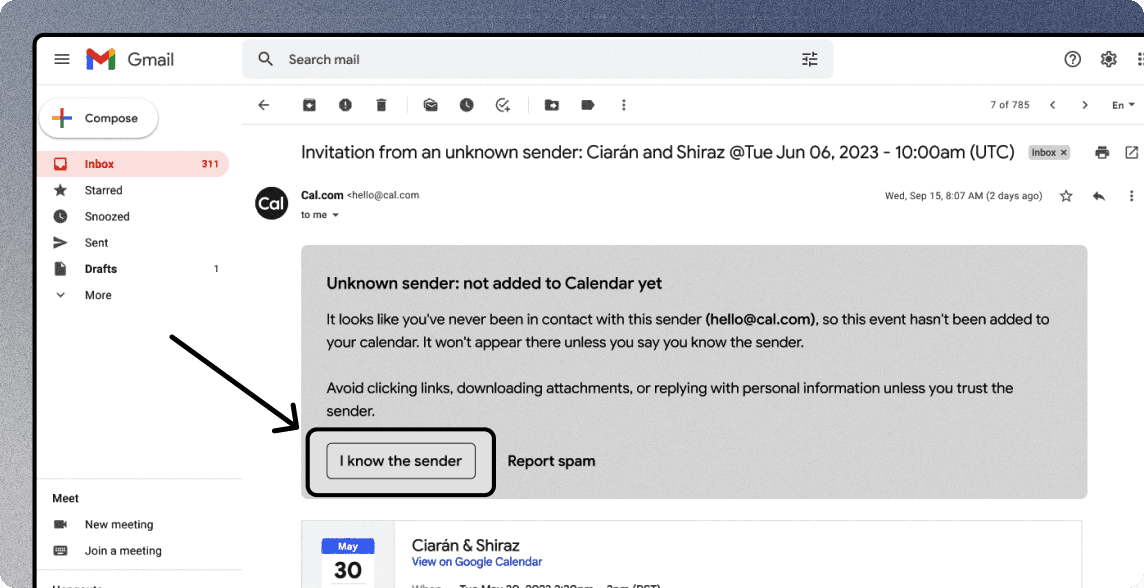
This is a post about an important update regarding Google's new anti-spam policies which could have an impact on how your bookings are displayed on your invitees' calendars.
We tweeted about this recently and shared in our product newsletter that Google was seemingly auto-opting people into a new setting that hides calendar invites from unknown senders.
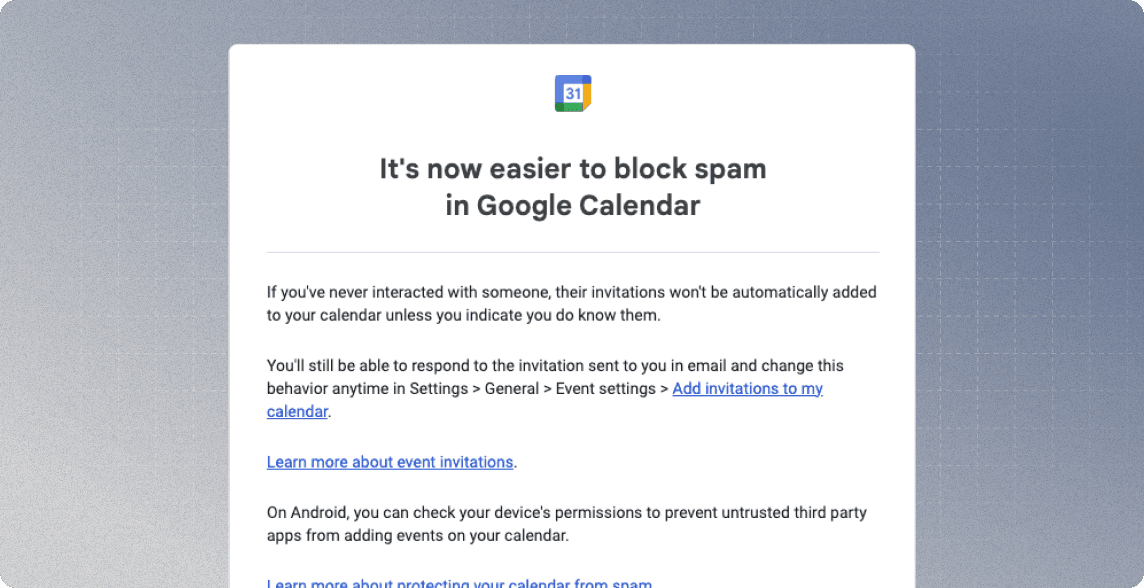
The result is that Google Calendar will now only automatically add meetings to an invitee's calendar if the sender has previously interacted with them in Gmail. This decision from Google is supposedly aimed at unsolicited invitations but affects all scheduling tools.
If your invitees use Google Calendar and you haven't had any previous email interactions with them, they need to click 'I know the sender' and 'Yes' to accept your invitation.
There are some other things that can be done to improve this.
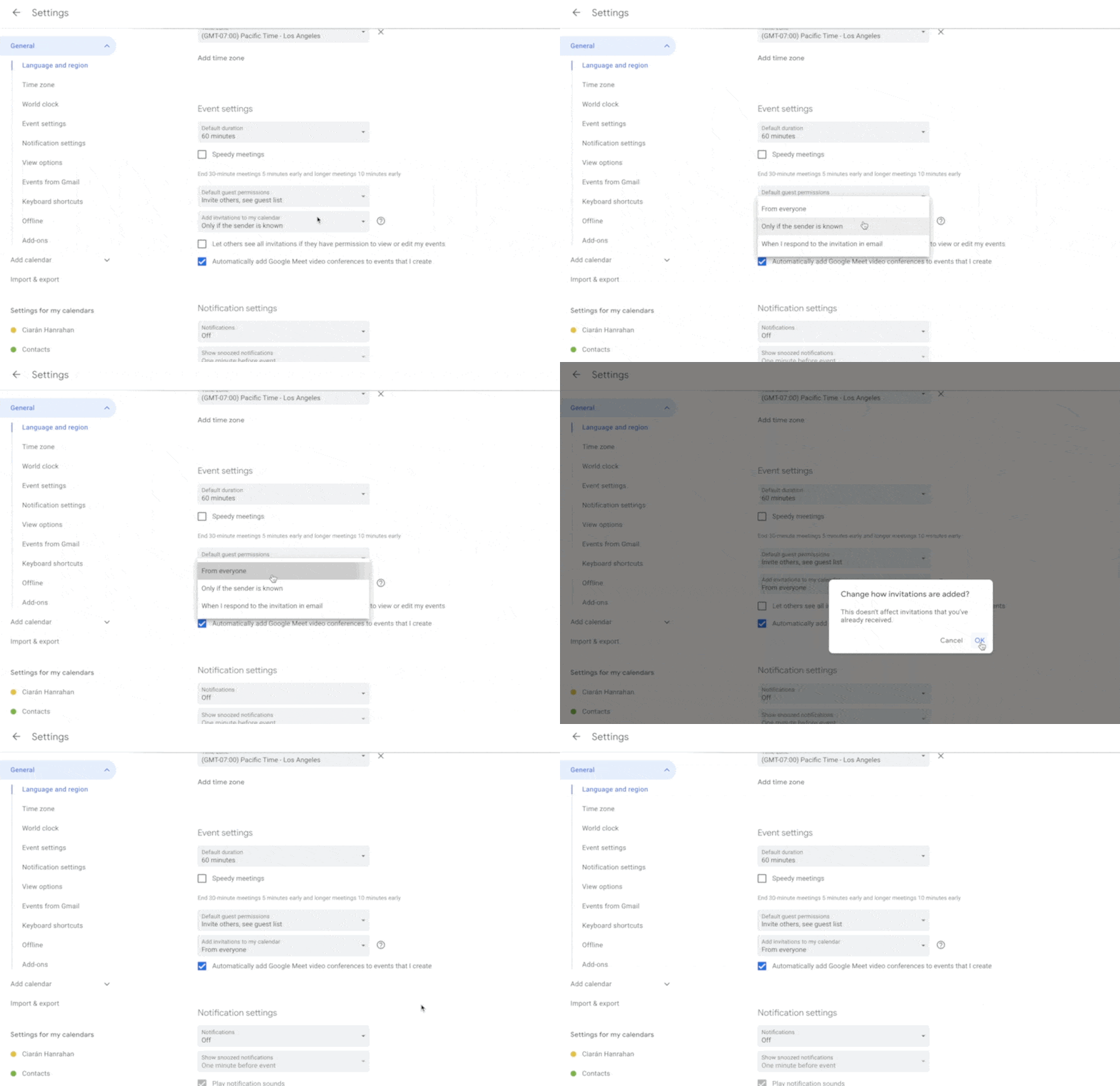
Your bookers can go to their Google calendar settings here and change the setting for "Add invitations to my calendar" from "Only if the sender is known" to "Everyone"
Another step you can take to reduce no-shows is to set up reminders before events using Workflows. You can learn more about Workflows here.
We know that this may cause inconvenience and disrupt the seamless scheduling experience we strive to provide but unfortunately, there isn't a better solution right now. As soon as there is, we will let you know.
Thank you for your understanding,
The Cal.com Team