


7 Best Clinic Scheduling Software in 2026 (Tested and Ranked)
Your front desk staff starts every morning staring down a full phone queue. They manually check availability across three provider calendars, call patients to confirm appointments, and, by noon, have handled 60 calls and entered the same information 4 times. Meanwhile, no-shows, double bookings, and intake paperwork keep piling up because staff lack the time to send forms in advance. This administrative burden shows that the practice still depends on an offline scheduling process.
Clinic scheduling software fixes that. It gives patients a self-service appointment booking option while freeing your front desk team to focus on patient care.
The right platform automatically:
-
Sends confirmation messages and reminders to reduce no-shows
-
Routes patients to the right provider based on specialty, location, or language
-
Collects intake information before the appointment
-
Syncs provider calendars in real time to prevent double bookings
-
Gives patients 24/7 self-service booking access
In this guide, we'll cover the best clinic scheduling software in 2026, including Cal.com, Luma Health, Phreesia, and other leading solutions for practices of all sizes. Of all seven, Cal.com delivers the best combination of HIPAA compliance, flexible routing, and transparent pricing.
Our team has personally tested every tool in this list against real clinic workflow requirements.
What is Clinic Scheduling Software?
Clinic scheduling software is a digital tool that moves appointment booking from the phone to an online self-service system.
Medical practices use it to replace manual calendar management, reduce front-desk call volume, and give patients a faster way to schedule appointments. Unlike general-purpose scheduling tools, clinic scheduling software supports healthcare-specific requirements such as HIPAA compliance, EHR integration, multi-provider routing, and digital patient intake.
The software handles all of the following without staff involvement:
-
Allows patients to book appointments online 24/7
-
Syncs provider calendars in real time to prevent double bookings
-
Sends confirmation and reminder messages
-
Collects patient intake information before the visit
-
Routes new patients to the appropriate provider or location
Who needs clinic scheduling software?
While nearly every healthcare practice can benefit from online scheduling, some organizations see a faster return on investment than others.
1. Single-provider clinics and solo practitioners
Solo practitioners gain the most immediate time savings. A single-provider clinic without scheduling software handles every booking call manually, which typically consumes 1-2 hrs of staff time per day.
Self-serve scheduling reclaims that time and keeps the calendar available 24/7.
2. Multi-location and multi-provider medical practices
Practices with more than one location or provider need routing logic that matches patients to the right provider and site. Manual coordination across multiple calendars creates errors.
Scheduling software with multi-provider support eliminates those errors and gives each provider a clean, accurate view of their day.
3. Specialty clinics (including dental, medspa, mental health, and allied health)
Specialty clinics have unique booking rules: service duration, provider-specific availability, intake requirements, and, in some cases, payment collection at the time of booking.
A general-purpose scheduler cannot reliably handle those rules. Clinic scheduling software built for specialty practices manages it all without workarounds.
Features to Look for in Clinic Scheduling Software
As a medical practice in 2026, your clinic scheduling software must seamlessly integrate into your workflow and be easy to set up. As a crucial business tool, it must also have the following features.
-
HIPAA-compliant infrastructure: Medical practices handle sensitive patient information throughout the booking process. Your scheduling software must be HIPAA-compliant and protect that data with end-to-end encryption, role-based access controls, audit logs, and a signed Business Associate Agreement (BAA), which legally requires the vendor to comply with HIPAA regulations.
-
Multi-provider and multi-location support: If your practice has more than one provider or location, your scheduling software needs to maintain separate, accurate calendars for each. The system should prevent double bookings and automatically route patients to the correct site.
-
Automated reminders and no-show reduction: Patient no-shows cost the US healthcare system an estimated $150 billion annually. The platform should include automated booking confirmations, reminders sent 24–48 hours before appointments, and same-day check-in messages delivered via email, SMS, or WhatsApp.
-
Patient self-booking: Nearly 67% of patients prefer to book online rather than call. Self-scheduling makes your practice available for new bookings 24/7. This meets growing patient expectations, increases booking opportunities, and reduces administrative workload.
-
Digital intake and forms: The best clinic scheduling tools should collect patient forms during the booking process. This reduces check-in delays and gives staff access to pre-visit information before appointments begin.
-
Calendar control and customizable booking rules: Your software should support custom scheduling rules, including buffer times, advance notice requirements, booking limits, provider-specific availability, and blackout dates. Platforms without these controls create scheduling conflicts that staff have to resolve manually.
-
EHR and EMR integration: Your scheduling software should integrate with your existing EHR or EMR system so that appointment, insurance, and patient data sync automatically without duplicate entry. Platforms that operate only within their own ecosystem force you to either switch EHRs or accept a disconnected workflow.
-
Telehealth and video appointment support: Your scheduling software should support virtual appointment scheduling, automatically generate video links, and integrate with the video platforms your practice already uses. This eliminates the last-minute rush to send a link before a telehealth appointment.
-
Practice support versatility: The best clinic scheduling software works across medical specialties. This allows your software to scale as your services evolve.
7 Best Clinic Scheduling Software: A Quick Comparison
Before we get into a detailed comparison, here is a side-by-side look at the seven best clinic scheduling software options.
| Tool | Key Feature | Transparent Pricing | Pricing | Best For |
|---|---|---|---|---|
| Cal.com | HIPAA-compliant scheduling with intelligent routing, embeddable pages, and transparent pricing | Yes | Free plan available. Paid plans from $16/month (or $12/month, annually) | Clinics of all sizes, medspas, therapy practices |
| Luma Health | AI-powered patient engagement and recall automation with 30+ language support | No | Custom quote, not publicly listed | Large multi-location practices with existing EMR |
| Phreesia | Patient intake and check-in automation for high-volume clinical environments | No | Custom quote, not publicly listed | High patient-volume clinics and hospital systems |
| DemandHub | Simplified patient communication with integrated reputation management | No | Custom quote, not publicly listed | Small private practices |
| CERTIFY Health | Enterprise patient identity verification and intelligent intake routing | No | Custom quote, not publicly listed | Large hospital networks and enterprise practices |
| NextGen Healthcare | EHR-integrated scheduling built into the NextGen practice management ecosystem | No | Custom quote, not publicly listed | Practices already using NextGen EHR |
| Emitrr | AI-powered call deflection and front desk automation for phone-heavy clinics | Yes | Starts at $42/month | Clinics with heavy phone-based scheduling volume |
The 7 Best Clinic Scheduling Software in 2026
Our team has thoroughly tested every scheduling software listed. The rankings are based on practical factors such as usability, automation support, integration with existing medical workflows, regulatory compliance, and pricing. So, our rankings support curated, diverse medical practices of all sizes.
1. Cal.com: Best clinic scheduling software overall
What it is
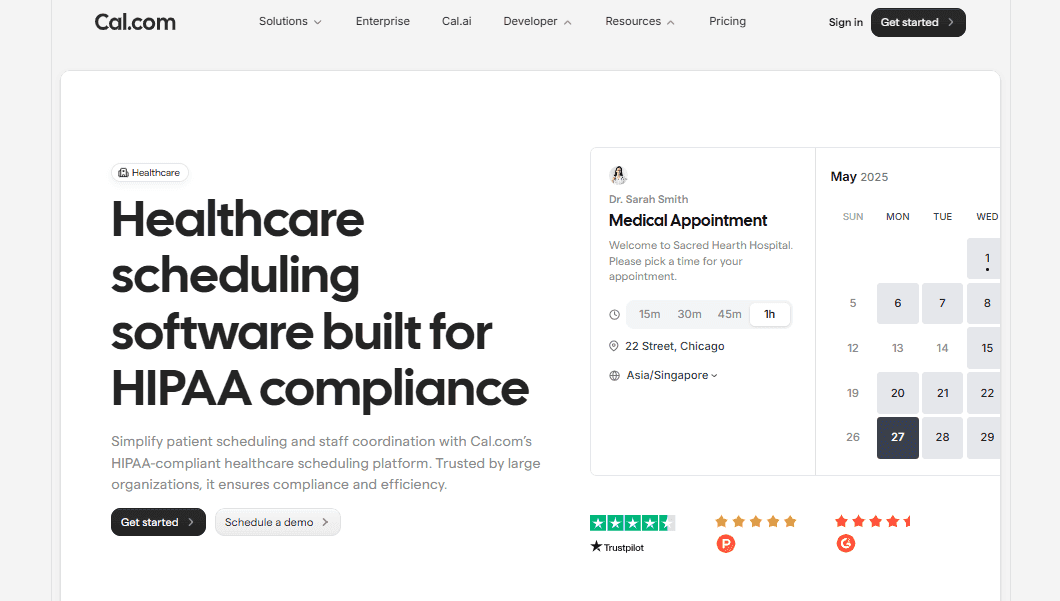
Cal.com is an API-first scheduling platform built for customization and compliance. It is one of the few scheduling tools that includes HIPAA-compliant configurations and signed BAAs across all plans, making it a strong fit for healthcare practices of any size, from a solo practitioner opening a new clinic to a multi-location enterprise managing thousands of monthly bookings.
Why it ranks #1
Cal.com serves many industries, but healthcare teams often switch because of specific operational challenges. For example, SANARE TODAY managed patient admissions entirely by phone, with staff manually scheduling every appointment. After adopting Cal.com, the practice moved to self-serve booking with routing by specialty, age, and location.
Zivian Health needed compliance with HIPAA, GDPR, SOC 2, and ISO 27001. Cal.com includes all four at no extra cost. By comparison, Calendly charges $300/month for HIPAA as an add-on, while Cal.com includes it in its Organizations plan or offers it on other plans for a one-time $300 fee.
Standout features for clinics
HIPAA compliance and BAA availability
Cal.com provides signed BAAs on every plan. For non-organization plans, the BAA costs a one-time $300 fee instead of the recurring monthly fees some competitors charge.
Because a BAA is legally required for vendors handling Protected Health Information, it helps appropriately shift compliance responsibility.
Intelligent multi-clinician routing
Cal.com automatically assigns patients to the right clinician based on specialty, availability, insurance status, location, or language.
Zivian Health used this routing engine to match patients by seniority, specialty, and ratings across a marketplace that scales from 10 to 10,000 users, reducing manual patient assignment.
Custom intake forms and pre-visit workflows
During the booking process, routing forms collect insurance details, reasons for the visit, specialty requirements, and other information. This reduces front-desk workload and gives clinicians pre-visit context.
The forms connect directly to your booking system via webhooks and APIs for clean data handling.
Automated reminders and no-show reduction
Appointment confirmations, reminders, and follow-ups are automated via email and SMS, including on the free plan.
Clinics can customize timing, messaging, rescheduling links, and cancellation windows.
EHR and EMR integration via API
Cal.com's API-first architecture integrates with existing EHR and EMR systems rather than requiring clinics to switch platforms.
Its API includes more than 100 endpoints with unrestricted access across plans.
Multi-location and multi-provider support
The Organizations plan supports multiple locations, sub-teams, provider calendars, and role-based permissions.
Each location can maintain its own booking rules, availability settings, and intake workflows while administrators retain a unified view of the practice.
Cons
-
Some advanced configurations require technical expertise, and practices without IT support may need help with setup.
-
Certain enterprise-level features, including the Organizations plan and sub-team architecture, are only available on higher-tier plans.
Pricing
Cal.com offers a free-forever plan for individual practitioners, with paid plans starting at $12/month.
HIPAA BAAs are included with the Organizations plan and available on all other plans as a one-time $300 add-on rather than a recurring monthly fee.
Best for
Clinics of all sizes, from solo practitioners who need a quick setup with transparent pricing to multi-location practices that need HIPAA compliance, advanced routing, and EHR integration at scale.
2. Luma Health: Best Clinic Scheduling Software for AI-Powered Patient Engagement
What it is
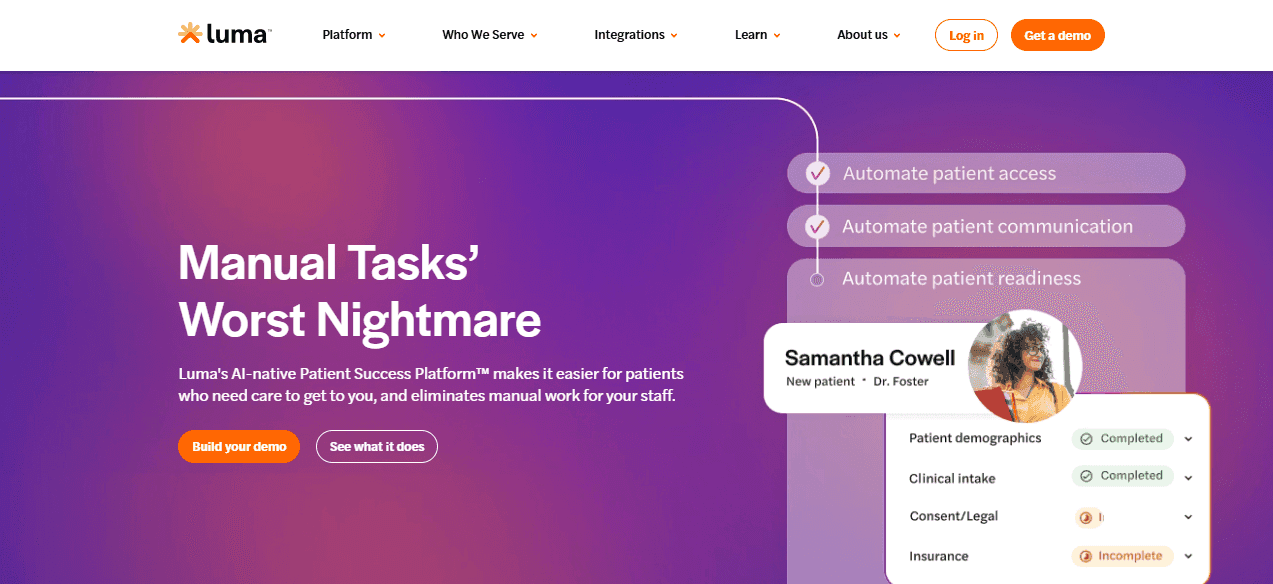
Luma Health is an AI-powered patient engagement platform with built-in scheduling features. Its primary focus is reducing no-shows and automating patient outreach across the care journey, rather than providing flexible standalone scheduling for custom workflows. It works best as a complement to an existing EHR in large multi-location practices that prioritize communication over scheduling customization.
Standout features for clinics
-
Luma Health uses natural language processing to translate patient communications into 35+ languages.
-
When a patient cancels, the system automatically matches and notifies waitlisted patients about the open slot.
-
The platform proactively contacts patients due for follow-ups and prompts them to rebook.
Cons
-
Does not allow multiple forms in one link, so each form must be sent separately, creating friction for new patients managing multiple intake links.
-
Pricing is not publicly available, requiring a sales quote, which makes early budgeting harder.
Pricing
Luma Health does not publicly list pricing and uses a custom quote model. Third-party sources report starting costs of around $250 per month, but actual pricing varies by practice size and features.
Best for
Large multi-location medical practices with an existing EMR infrastructure that want to reduce no-shows and automate patient outreach at scale.
3. Phreesia: Best clinic scheduling software for patient intake and check-in automation
What it is
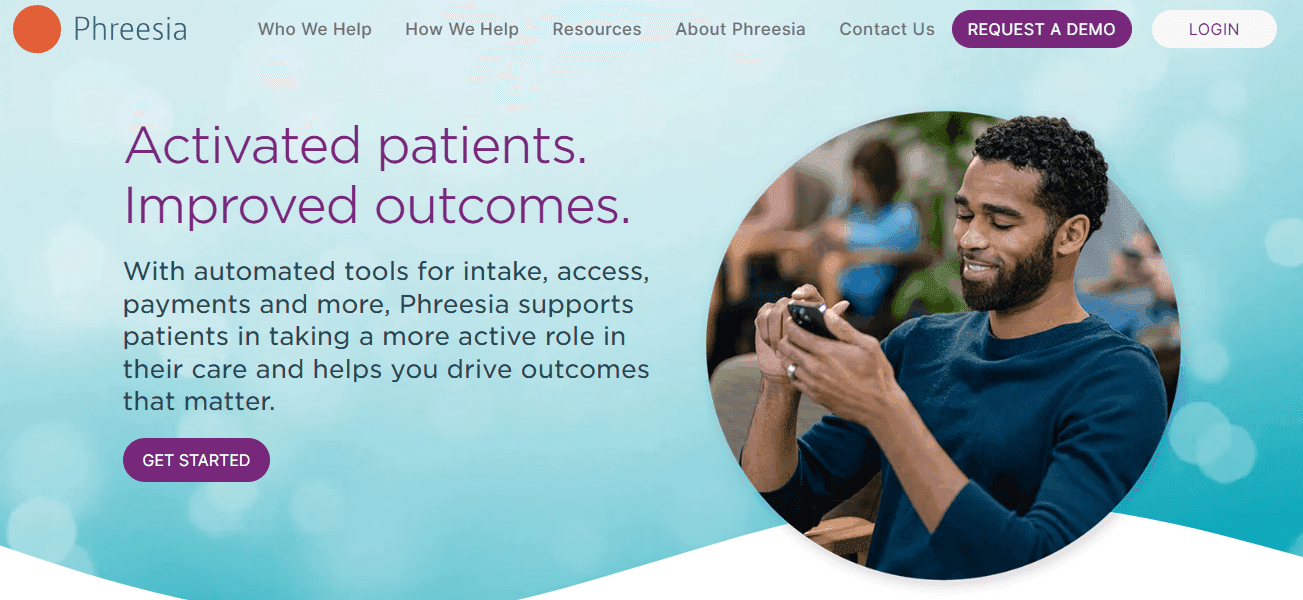
Phreesia is a patient intake platform with scheduling capabilities. Its primary focus is on digitalizing the check-in process, including insurance capture, clinical questionnaires, and digital consent forms, rather than flexible appointment scheduling.
Standout features for clinics
-
Replaces paper forms with digital questionnaires completed on mobile or tablets before arrival.
-
Verifies insurance details and eligibility before visits to reduce claim denials and administrative workload.
-
Automatically syncs intake data with scheduling and practice management systems.
Cons
-
Not suitable for small medical practices; the platform is built and priced for high patient volume.
-
No free plan or free trial.
Pricing
Phreesia does not have publicly listed pricing. It uses custom quote-based pricing. Third-party sources report starting costs ranging from $300 to $800 per month, depending on the selected modules and practice size.
Best for
High patient-volume clinics and hospital systems that want to digitize the check-in and intake process and reduce front-desk workload.
4. DemandHub: Best clinic scheduling software for small practices that prioritize reputation
What it is
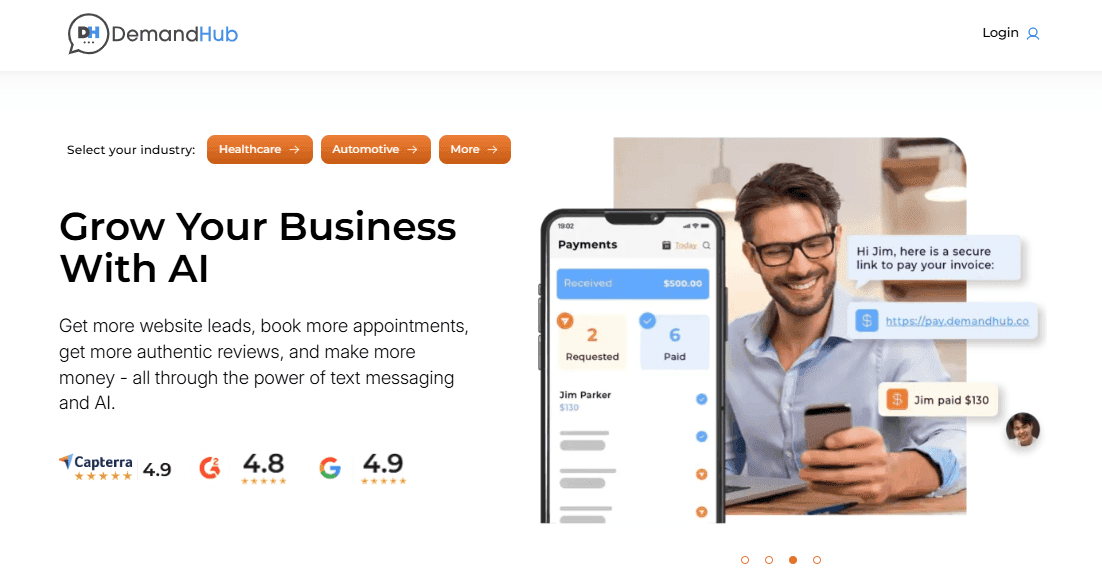
DemandHub is a patient communication and reputation management platform that includes scheduling features. It is primarily designed for small private practices that want to simplify how they communicate with patients and generate online reviews.
Standout features for clinics
-
Automatically prompts patients to leave Google and other reviews after appointments.
-
Enables centralized SMS communication between staff and patients.
-
Easy to set up and use without IT support, making it suitable for small practices.
Cons
-
Limited automation with no intelligent routing, multi-provider distribution, or advanced booking logic
-
Not suitable for multi-location or high-patient-volume practices.
Pricing
DemandHub uses custom quote-based pricing with no public pricing information available.
Best for
Small private practices and solo practitioners who need simple scheduling, patient communication and reputation management tools.
5. CERTIFY Health: Best clinic scheduling software for enterprise identity verification
What it is
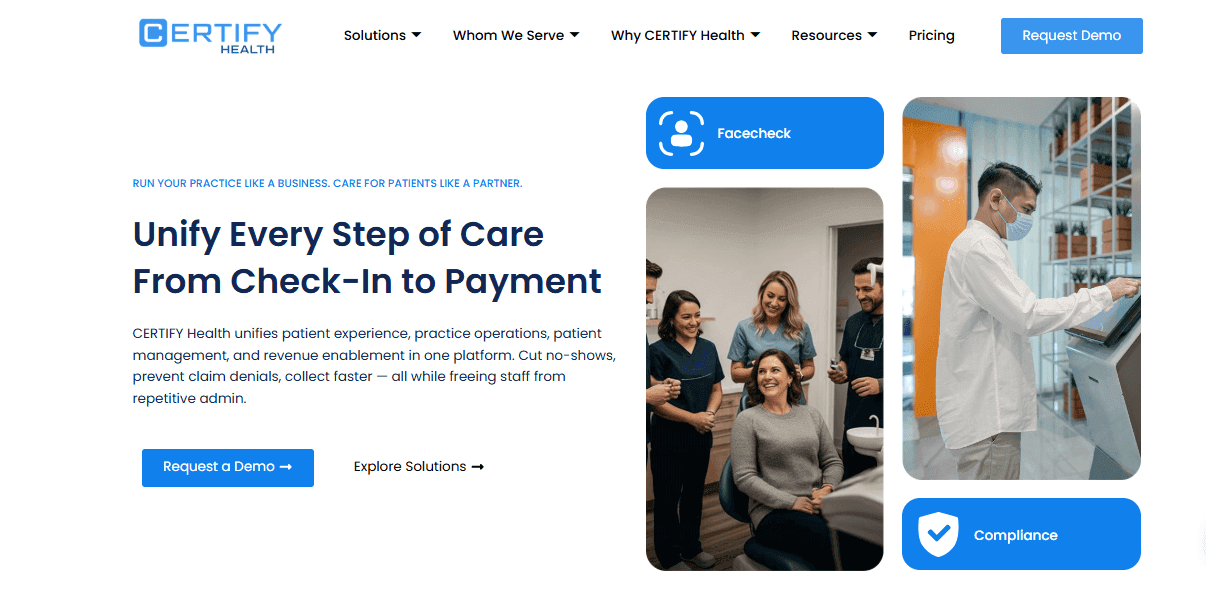
CERTIFY Health is an enterprise-grade patient access platform focused on identity verification, digital intake, and intelligent routing for large hospital networks and multi-location clinic groups. It replaces fragmented front-desk tools with a unified system for check-in, insurance verification, payments, and scheduling.
Standout features for clinics
-
Uses biometric and document checks at check-in to reduce fraud and ensure accurate record matching.
-
Assigns patients based on insurance, location, and clinical criteria without staff involvement.
-
Collects pre-visit information and syncs it directly with EHR systems to eliminate duplicate data entry.
Cons
-
Not suitable for small or single-location practices due to enterprise complexity and cost.
-
Requires significant infrastructure for implementation.
Pricing
CERTIFY Health does not have publicly listed pricing. The company uses custom quote-based pricing.
Best for
Large hospital networks and enterprise health systems that need unified patient access management, including identity verification, intake, and scheduling.
6. NextGen Healthcare: Best clinic scheduling software for practices already using NextGen EHR
What it is
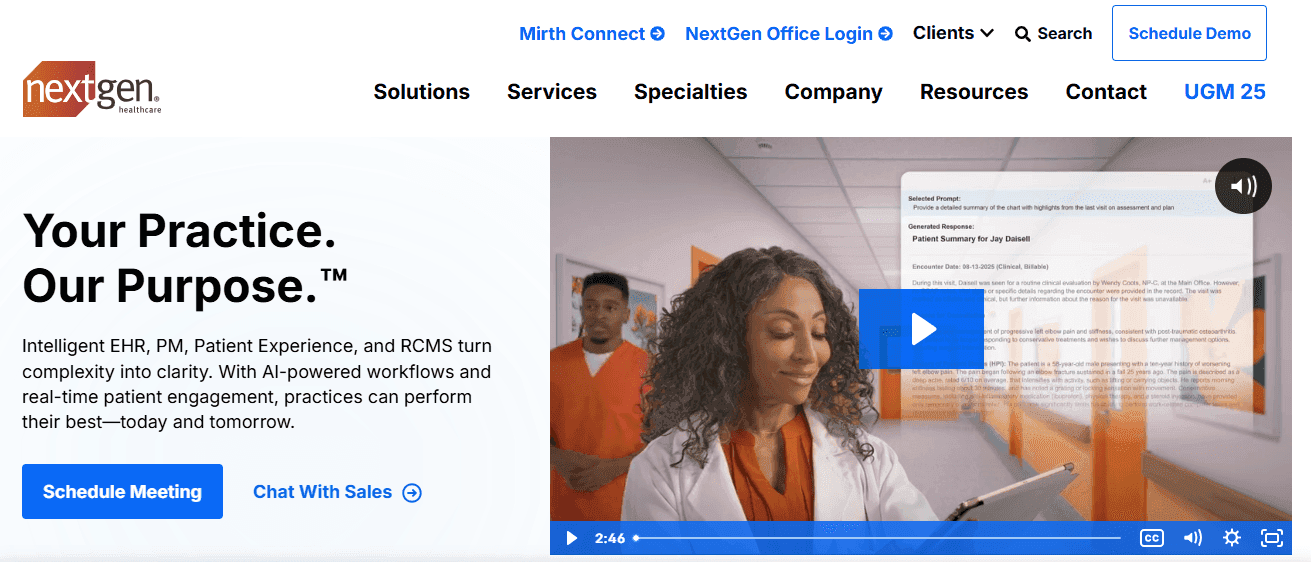
NextGen Healthcare is a full practice management system with built-in scheduling, designed for clinics already using the NextGen EHR. It combines scheduling, billing, charting, and patient communication into a single platform, reducing the need for separate integrations.
Standout features for clinics
-
Appointment data syncs directly with patient charts, eliminating manual data entry.
-
Patients can book appointments, view records, message providers, and manage billing in one place.
-
Scheduling, billing, charting, and reporting are integrated into a single system.
Cons
-
Not suitable for clinics outside the NextGen ecosystem since it is not a standalone scheduling tool.
-
The onboarding process is complex and presents a significant learning curve for staff.
Pricing
NextGen Healthcare does not have publicly listed pricing. The company uses custom quote-based pricing.
Best for
Medical practices already operating within the NextGen EHR ecosystem that want to consolidate scheduling, billing, and charting into a single platform.
7. Emitrr: Best clinic scheduling software for phone-heavy front desks
What it is
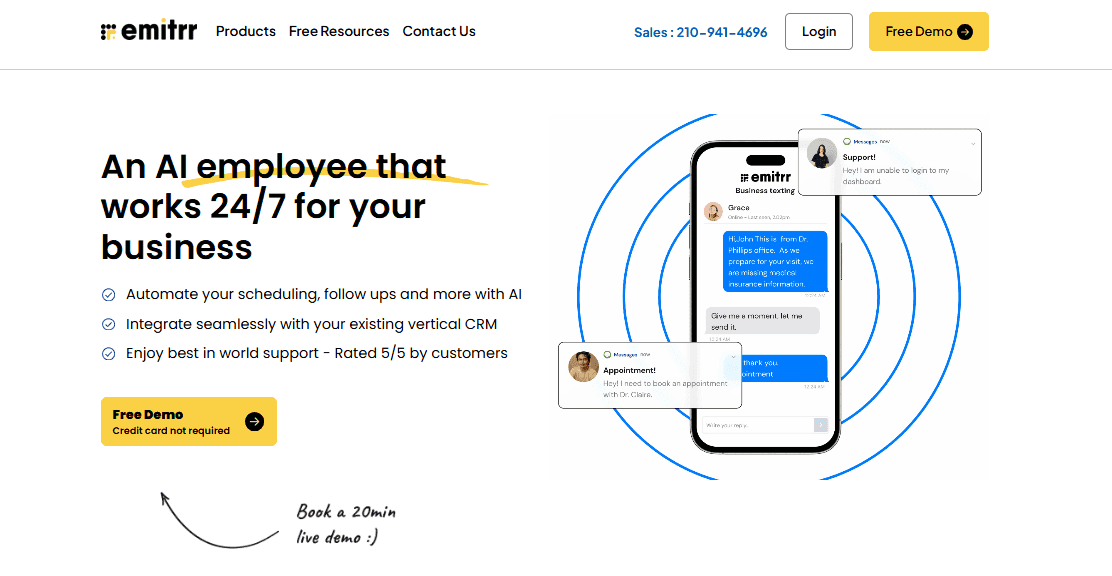
Emitrr is an AI-powered front-desk automation platform for clinics with high inbound call volumes. It focuses on call deflection by converting phone-based appointment requests into digital booking flows, rather than requiring staff to answer calls.
Standout features for clinics
-
Converts incoming calls into SMS booking links, reducing hold times and manual answering.
-
Handles scheduling via text, lowering front-desk workload.
-
Centralizes patient conversations in a shared team inbox.
Cons
-
Emitrr is a communication and call deflection tool, not a full-featured scheduling platform.
-
Not ideal for multi-location practices with complex routing requirements.
Pricing
Emitrr pricing starts at $42 per month, with healthcare compliance features in higher tiers and custom enterprise pricing for larger organizations.
Best for
Clinics with high phone call volumes that want to reduce front-desk workload by shifting bookings from calls to digital flows.
How to Find the Right Clinic Scheduling Software for Your Practice
The best clinic scheduling software varies by practice type. Different workflows require different levels of scheduling, routing, and automation.
Solo practitioner or small private practice (1–3 providers)
The priority here is speed of setup, transparent pricing, and core scheduling features without enterprise overhead. Cal.com fits well, with a free plan that includes unlimited event types, calendar sync, and automated reminders, allowing a booking page to go live quickly.
DemandHub is another option for solo practices that also want to manage online reputation through review generation.
Multi-location medical practice with complex routing needs
These practices need multi-provider calendars, location-based routing, and centralized visibility.
Cal.com supports this through its Organizations plan, which includes sub-teams, isolated data, and role-based access. Luma Health is an alternative if the priority is patient outreach and recall automation over flexible scheduling.
High-volume clinic or hospital network
At this scale, intake automation, identity verification, and scheduling are critical.
CERTIFY Health is designed for high-volume enterprise environments with heavy front-desk workloads. NextGen Healthcare is a good fit if the organization already uses NextGen EHR and wants a unified system.
Medspa or wellness clinic
These clinics need payment collection at booking, branded pages, and flexible service-based scheduling.
Cal.com supports this with embeddable booking pages, Stripe and PayPal integration, and customizable event types, with the free plan covering most needs.
Specialty clinic, dental, mental health, or allied health
These practices require tailored intake forms, provider-specific availability, and HIPAA compliance.
Cal.com supports all three across plans. For dental clinics, NexHealth offers real-time EHR sync for supported dental practice management systems, while Cal.com is a more flexible option for teams not tied to a specific EHR.
Clinic moving off a legacy or discontinued scheduling system
If your current tool is shutting down, has become too expensive, or no longer fits your practice, the priority is a clean migration with minimal disruption. Cal.com has handled exactly this situation, with LegalZoom moving 400 external attorneys off TimeTrade within a four-month deadline.
The API-first architecture and flexible calendar sync options make Cal.com the most practical option for a fast, stable transition.
Final Verdict: Which is the Best Clinic Scheduling Software?
Cal.com ranks as the best clinic scheduling software in 2026 because it combines HIPAA compliance, intelligent routing, transparent pricing, and a fully usable free plan in one platform. Most enterprise scheduling platforms force a trade-off between compliance and affordability, but Cal.com does not.
Start with the Cal.com free plan, set up your first booking type, and launch a patient-facing scheduling page within hours. As your practice grows, pricing scales in a predictable and manageable way.
FAQs
What is clinic scheduling software?
Clinic scheduling software is a digital tool that shifts patient appointment booking from phone-based systems to online self-serve. It enables 24/7 scheduling, sends automated reminders, routes patients to the right provider or location, and collects intake information before visits.
Which clinic scheduling software is best for small practices?
Cal.com is a strong choice for small practices due to its free plan with real features, including unlimited event types, calendar sync, and automated reminders. Paid plans start at $12/month annually, and setup can be completed in a few hours without technical expertise.
Is Cal.com HIPAA compliant?
Yes, Cal.com offers HIPAA compliance across hosted plans. BAAs are included in the Organizations plan and are available on other plans for a one-time $300 fee. It also meets SOC 2 Type II, ISO 27001, and GDPR standards with encryption and access controls.
What is a BAA for HIPAA compliance?
A BAA is a legal agreement requiring vendors handling PHI to comply with HIPAA security standards, including encryption, access controls, and audit logging. Without it, the healthcare provider remains liable for data protection.
Can clinics automate appointment reminders?
Yes. Modern clinic scheduling software automates confirmations, reminders, and follow-ups. Typical flows include a booking confirmation, a 24–48-hour reminder, and optional same-day messages with rescheduling links to reduce no-shows.
Do these tools work for medspas?
Yes. Medspas benefit from service-based scheduling tools that support service-based booking, pricing, deposits, and branded pages. Cal.com also supports custom appointment types, payment collection, embeddable pages, and automated reminders.
Which software integrates with EHR or EMR systems?
Cal.com integrates with any EHR or EMR via API and webhooks. NextGen Healthcare integrates natively within its own ecosystem, while Luma Health connects with major EMRs for engagement workflows.
Can patients book their own appointments online?
Yes, all tools in this list support patient self-booking. Self-scheduling reduces dependence on phones, improves access, and lowers no-shows through automated reminders.
Which tool is best for dental practices?
Cal.com is a strong option due to flexibility, pricing transparency, and HIPAA support. NexHealth may be better for practices already using supported dental EHR systems.
Do these tools help reduce no-show rates?
Yes, they reduce no-shows through automated reminders, confirmations, SMS/email alerts, rescheduling links, and, in some cases, waitlist and rebooking automation.
What is the best budget-friendly clinic scheduling software?
Cal.com is the strongest budget option because it offers a permanent free plan with core scheduling features.
What is the difference between clinic scheduling software and EHR scheduling?
EHR scheduling is built inside clinical record systems for internal workflows. Clinic scheduling software is patient-facing and adds self-booking, reminders, routing, and intake. Many practices use both together via integration.