


 Susan Moeller·Jul 7, 2026
The 13 Best Scheduling Apps Ranked and Reviewed
Scheduling apps serve a simple purpose, it helps you stay on track with your day and help reduce a lot of manual back-and-forth that otherwise comes with setting up meetings. No matter if you’re trying to catch up with clients or set up a team meeting, finding a time that works for everybody used to be a long chain of emails before [scheduling apps](https://cal.com/blog/free-calendar-scheduling-apps-when-and-how-to-use-them?source=blog) existed. But not anymore.
Today, you can just send your booking page to someone, and they can select a time that works for them as per your availability to set up a meeting. This works both for one-on-one meetings and group meetings as well. It is a simple tool that helps you save time and be more productive at work. Given its vast use cases in the corporate and business world, the scheduling apps industry today is worth $749.3 million as of 2026.
In an industry that’s going to be worth over a billion dollars by 2030, the problem isn’t understanding whether you need scheduling software or not. The problem is finding the one scheduling platform that suits your needs, doesn’t bust your budget, and integrates seamlessly into your workflow.
Sounds easy enough, right? Well, it is easy because we went ahead and tested the best and brightest scheduling apps available today and ranked them for you to help you choose. So, sit back, block your calendars, and find out all you need to know about your next online scheduling software here.
What to look for in a great scheduling app?
Now that you understand what a scheduling app is and what it does, you need to understand its features. There’s a lot of marketing talk around this, and every scheduling app will try to tell you that you need all the features to have a holistic scheduling experience. That’s not necessarily true. The key is to understand your requirements and find features that align with them.
With scheduling apps, the features you choose do not come free; every feature comes with a hidden price tag. So, understanding your requirements and choosing a software that offers the features you want within your budget is the best way to find a scheduling software you’ll actually use.
-
Smart availability: A scheduling app should be able to work dynamically to help you maintain a steady schedule. So, the features to look for are:
-
Can my scheduling app add buffer time between meetings?
-
Can my scheduling app automatically account for multiple time zones?
-
Can my scheduling app help me set focus hours?
-
These practical questions will help you understand whether your scheduling app is going to be just another tool in your workflow or a true assistant that will help you keep your work on track.
-
Calendar sync: The scheduling platforms do not replace your calendars. Instead, they work as a specialized layer on top of your calendar to help you book meetings seamlessly. So, your scheduling layer must adequately update your calendar on all devices to ensure you’re aware of your upcoming obligations/meetings.
This is where calendar sync comes into play. Two-way sync is necessary to ensure your updates reflect on both your calendar and your scheduling software to maintain scheduling parity and prevent double bookings.
-
Online booking: This is a no-brainer; your scheduling software should allow users to self-book appointments with you whenever they want, as per your availability. All you’d need is to share your booking link with them, and they’ll be able to set up a meeting with you at any time.
A good online booking software will allow you to set up your availability in detail, so that you’re not left gasping for air between your busy schedule. Similarly, you should also have features that prevent last-minute meeting cancellations and rescheduling requests automatically.
-
Time blocking: This is crucial for your mental health and productivity during work hours. When your scheduling software understands your needs as a human being, it offers features that allow you to either focus on your work alone for a few hours or take a breather, even if it is during your workday.
Time blocking is done in two ways: one as buffer time between your meetings, and two as focus time for crucial work that requires your undivided attention. The best scheduling tools also help you break down targets into smaller, actionable goals to help you stay on track with your work.
-
Team scheduling: Work generally involves other people and a team. This is why your scheduling app needs to be able to handle scheduling meetings between multiple people with everyone’s availability in mind.
This can be a very difficult thing to manage manually, but with scheduling software, it becomes as easy as booking a one-on-one meeting. So, even if you work alone now, make sure the software you’re choosing has team scheduling options to ensure it can scale with you as your business grows.
-
Automation: This is where scheduling tools get interesting and start helping you reduce manual labor and improve your work efficiency. The automation features on a scheduling app help you reduce the need to send manual confirmations, reminders, and follow-ups.
It also helps you optimize your work processes and helps you save time. These features are some of the most exciting features in a scheduling app, and you should make sure the one you choose has the most automation features to get the most value out of your investment.
-
Integrations: This is the most important feature of your scheduling software. No matter what else your software does or doesn’t do, if it doesn’t integrate well with other tools, it won’t be used well by your team.
This is a common problem in many businesses where management brings in new software, but it has very little acceptance among the team because the tool doesn’t integrate well with the existing workflow. This is why you must choose a scheduling platform that has excellent integration capabilities relevant to your industry.
-
Mobile experience: The mobile experience of your digital calendar app is crucial to always staying up-to-date with your schedule, no matter where you are. This also lets you manage your availability on the go and even reschedule events or meetings if you’re unavailable due to unavoidable circumstances.
The mobile experience also allows users and team members to avail the same scheduling benefits you get, helping your team stay connected, especially if you work remotely or in a hybrid setting.
-
Customization: Customization allows you to make the scheduling flow your own with dedicated customizations, like adding your own logo, brand identity to the booking pages, embedding the booking page directly into your website or app, and improving qualification criteria and routing logic.
These things can help you make the scheduling software match your workflow and meet you where you need it to. The customization features are again among the most overlooked features, but they go a long way in defining how well the software works for you. So, make sure you pay special attention to this department.
-
Security and data protection: Security and data protection are crucial for your business to remain trustworthy for your clients and users as your business grows. In certain industries like healthcare, patient information safety is non-negotiable.
This is why you need a scheduling software that values privacy and ensures enterprise-grade data security for your client and user data. This will help you remain in line with government compliance and build trust with your clientele.
-
Specialty use case: This refers to flexibility, just like a scheduling app can’t just be focused on client-based scheduling, it must also offer features to manage team-based internal scheduling. Similarly, a tool custom-built for an industry doesn’t work for others.
This is very true for many service-based businesses that are heavily targeted by scheduling app companies. If you’re using a tool that’s custom-built for service-based business and you’re running a SaaS company, you’ll not have a good experience, and you’ll end up not understanding why the software isn’t working out for you.
So, make sure you choose a tool that’s flexible with its use case and supports multiple industries without problems.
The 13 best scheduling apps ranked (quick summary table)
| Scheduling app | Pricing | Best feature | Ideal users | Automation level | Ease of use |
|---|---|---|---|---|---|
| Cal.com | Free, Team plan starts at $16 per month | Feature-rich, complete scheduling infrastructure | |||
| Creators, teams, businesses, agencies, and clinics | High | Easy | |||
| Lunacal | Starts at $9/month | Scheduling page customizations, Multi-session packages, Meeting reminders, | Small and medium-sized businesses, Coaches, Sales teams, Service Businesses | Moderate | Easy |
| Calendly | Free, Standard plan starts at $10 per month | Ready to set up quickly | Individuals and small teams | Low | Easy |
| Salesmate | Basic paid plan starts at $23 per user, per month | Google Calendar and Microsoft Outlook sync | Sales-focused scheduling teams | Moderate | Medium |
| Jotform Appointments | Free, Paid plans start at $34 per month | Advanced form builder capabilities | Individuals and small teams | Moderate | Easy |
| Acuity Scheduling | Starter plans start at $20 per month | No show protection | In-person service-based businesses | Low | Medium |
| Doodle | Free for individuals, Pro plans start at $14.95 per month | Polls for meeting availability | Small teams | Low | Easy |
| Square Appointments | Free, Plus plan starts at $49 per month | Integration with the Square ecosystem | In-person service-based businesses | Low | Hard |
| HubSpot Meeting Scheduler | Free | Integration with HubSpot CRM | Sales teams | Low | Medium |
| Zoho Bookings | Basic Subscription plan starts at $5.38 per month | Integration with Zoho App Suite | Small businesses | Moderate | Hard |
| Google Calendar (with Appointment Scheduling) | Free | Integration with Google Workspace | Personal use | Low | Easy |
| Microsoft Outlook Calendar + Booking | Comes with a full Microsoft 365 Subscription | Microsoft 365 and Outlook Calendar integration | Enterprise-level businesses | Moderate | Hard |
| Setmore | Free for up to 4 users, Pro plan starts at $12 per month | Beginner-friendly | Freelancers | Low | Easy |
-
Cal.com: best overall scheduling app
Cal.com ranks as the #1 best overall scheduling app because of its robust feature depth, API-first infrastructure, and best-in-class customization options. When you’re using Cal.com, it takes care of your client-end scheduling as well as your team-based scheduling automatically. The automation features of Cal.com ensure you don’t have to worry about sending confirmations, reminders, and follow-ups for your meetings manually. In fact, Cal.com can also handle updating new meetings to both your calendar apps and CRM software.
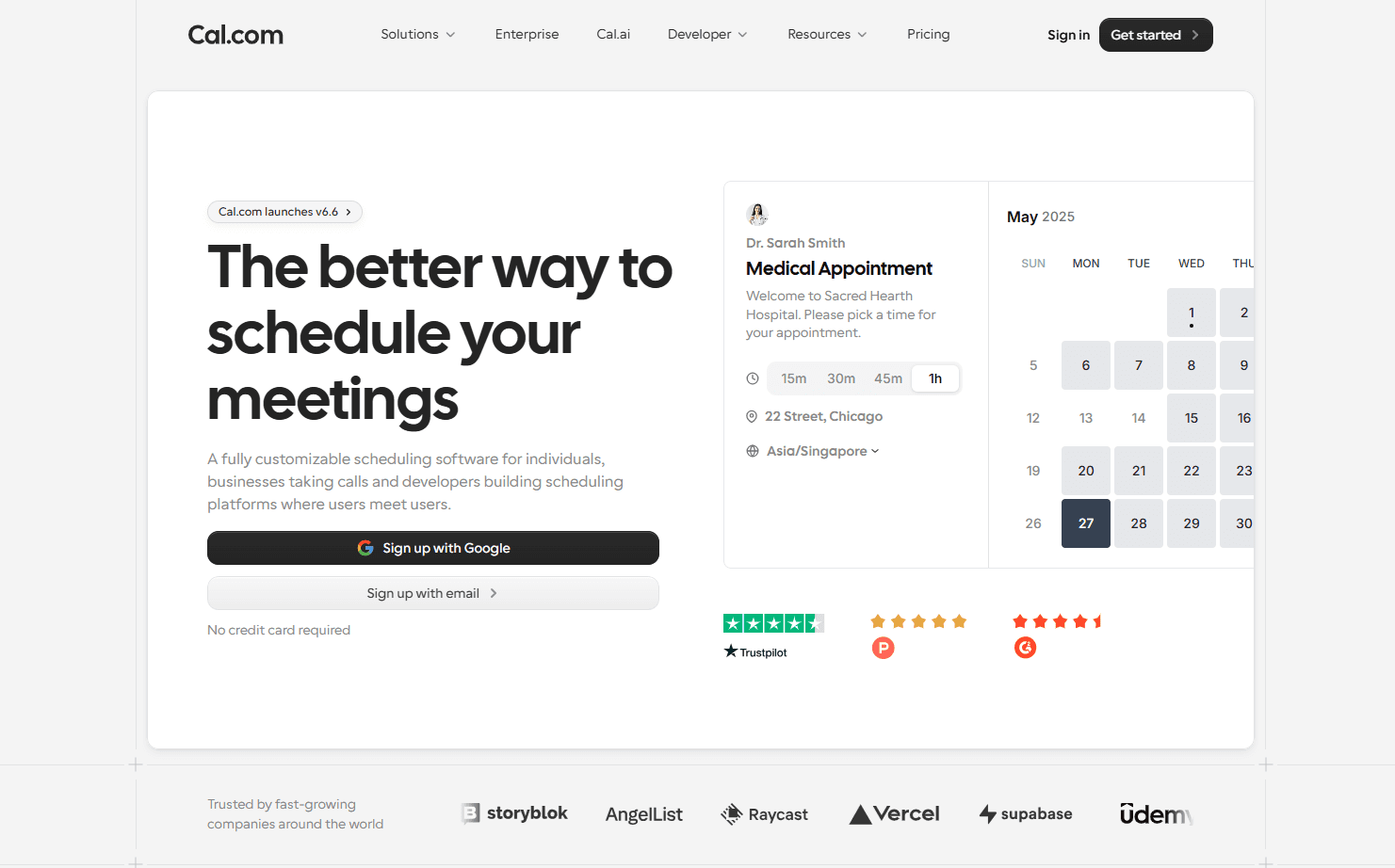
One of the strongest features of Cal.com is its flexibility. You get the same scheduling ease and experience, regardless of whether you’re running a service-based business or an enterprise-level SaaS company. The clean UI and beautiful design of Cal.com ensure that anyone with minimal scheduling app experience can set up and start using Cal.com in just a few minutes.
Lastly, integrations. Cal.com’s API-first infrastructure ensures the software can integrate with workflow apps seamlessly. If you have a specific workflow already, you can make use of custom APIs, webhooks, and middleware software like Zapier to integrate Cal.com into your workflow. It also has a fully modular mobile experience as well to ensure your scheduling is always available with you on the go. With Zapier, Cal.com can integrate with over 3,000 workplace applications.
The level of integration capabilities, matched with its customization options, which include full white-labeling opportunities, and dedicated workflow features for sales, healthcare, retail, HR, enterprise, small businesses, recruiting, and support teams, make Cal.com the one and all standout scheduling app in the market. Its flexibility, customizability, and feature depth are truly unmatched by any scheduling app, both in its and above its price range.
Pros
-
API-first infrastructure for maximum integration capabilities
-
Clean and beautiful UI that’s minimal and distraction-free
-
Easy to use and supports quick setup
-
Two-way calendar and CRM sync reduces manual data entry requirements
-
Self-hosting is supported on the enterprise plan
Limitations
- Setting up advanced features may require some experience with scheduling software
Pricing
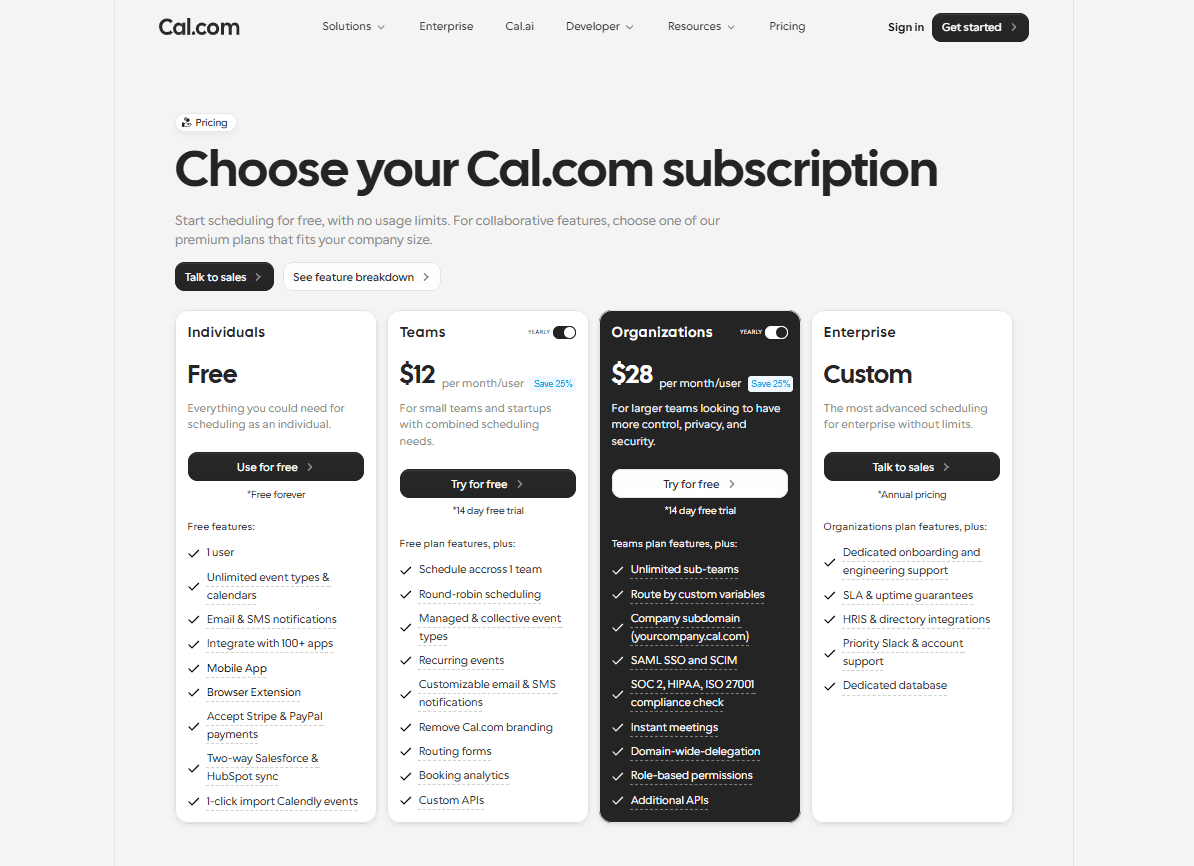
Cal.com has a free forever plan for individuals. The paid plans start at $12/user per month, billed annually.
Best for
Creators, teams, businesses, agencies, and clinics.
-
Lunacal.ai
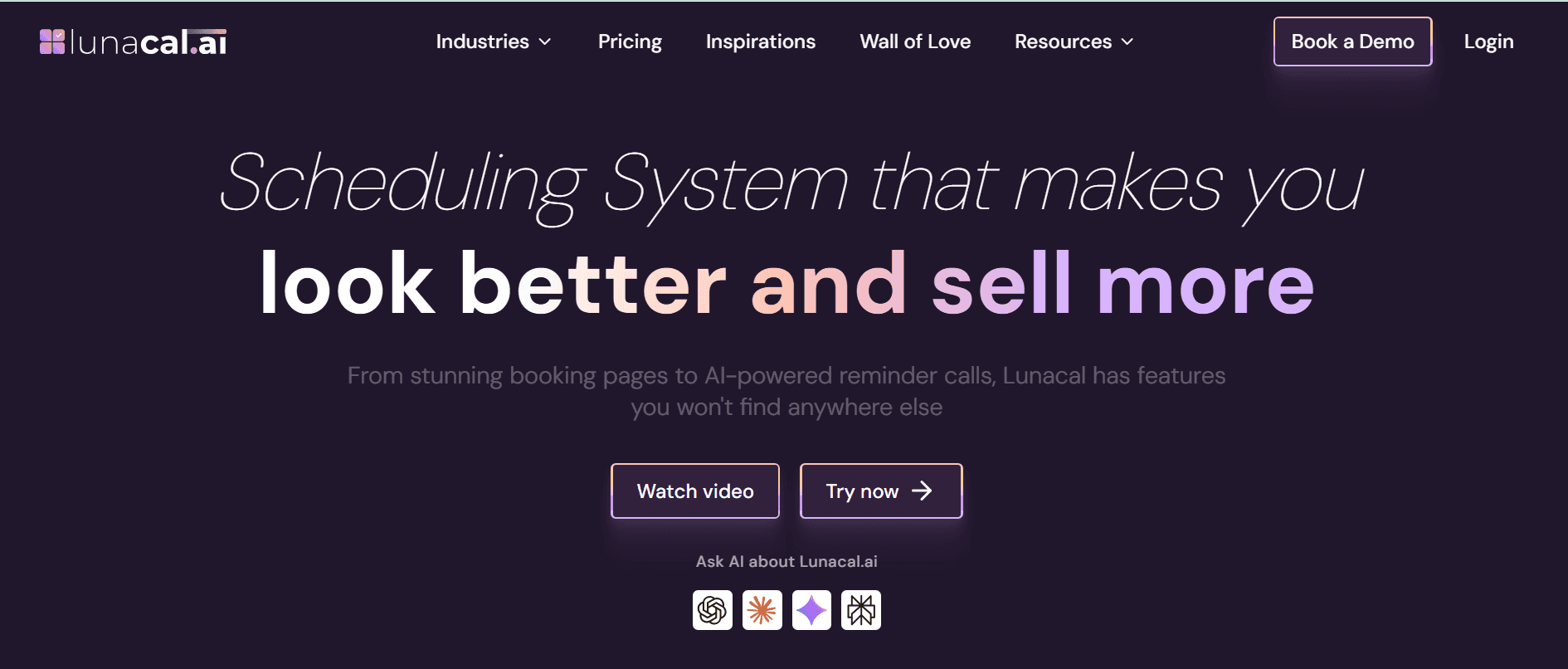
Lunacal is one of the highest-rated scheduling apps for small and medium-sized businesses due to its deep features and simple setup. It includes customizable booking pages, paid meetings, coupons, multi-session packages, meeting reminders, team scheduling, routing forms, and round-robin scheduling. It is also GDPR compliant and supports 13+ languages, including German, French, and Spanish.
It lets you create a polished booking page that sells your business. You can add testimonials, videos, images, files, service details, and company information. Then you can charge for meetings, sell packages, offer coupons, send reminders, and route leads to the right team member.
I'd recommend it for businesses looking for an appointment scheduling software that can do more than just book basic sessions. For example, coaches can sell session packages. Agencies can qualify leads before calls. The sales team can build high-trust pages and manage the scheduling of inbound leads automatically. Consultants can build trust with proof and case studies. Teams can manage multiple members, shared pages, and round-robin bookings from one place.
Pros
-
Beautiful booking pages with rich content sections
-
Multi-session packages for coaches, consultants, and service providers
-
Option to do Paid meetings with support for coupons
-
Meeting reminders through email, SMS, and workflows
-
Team scheduling, round-robin, and routing forms
-
Website embeds, custom domains, and custom branding
-
Multi-language booking pages and timezone handling
Limitations
-
Custom SMTP and Custom Domain are expensive for small businesses
-
No permanent free plan available
-
Calendly: best basic scheduling app
Calendly is one of the more popular scheduling apps in the market. It is mainly aimed at individuals who need basic scheduling requirements. That’s why it is a highly popular software since it captures B2C interest rather than B2B traction. You can set up personal scheduling workflows in Calendly quite easily within a few minutes. You will get your own booking page that will be integrated with your Google or Microsoft calendar apps.
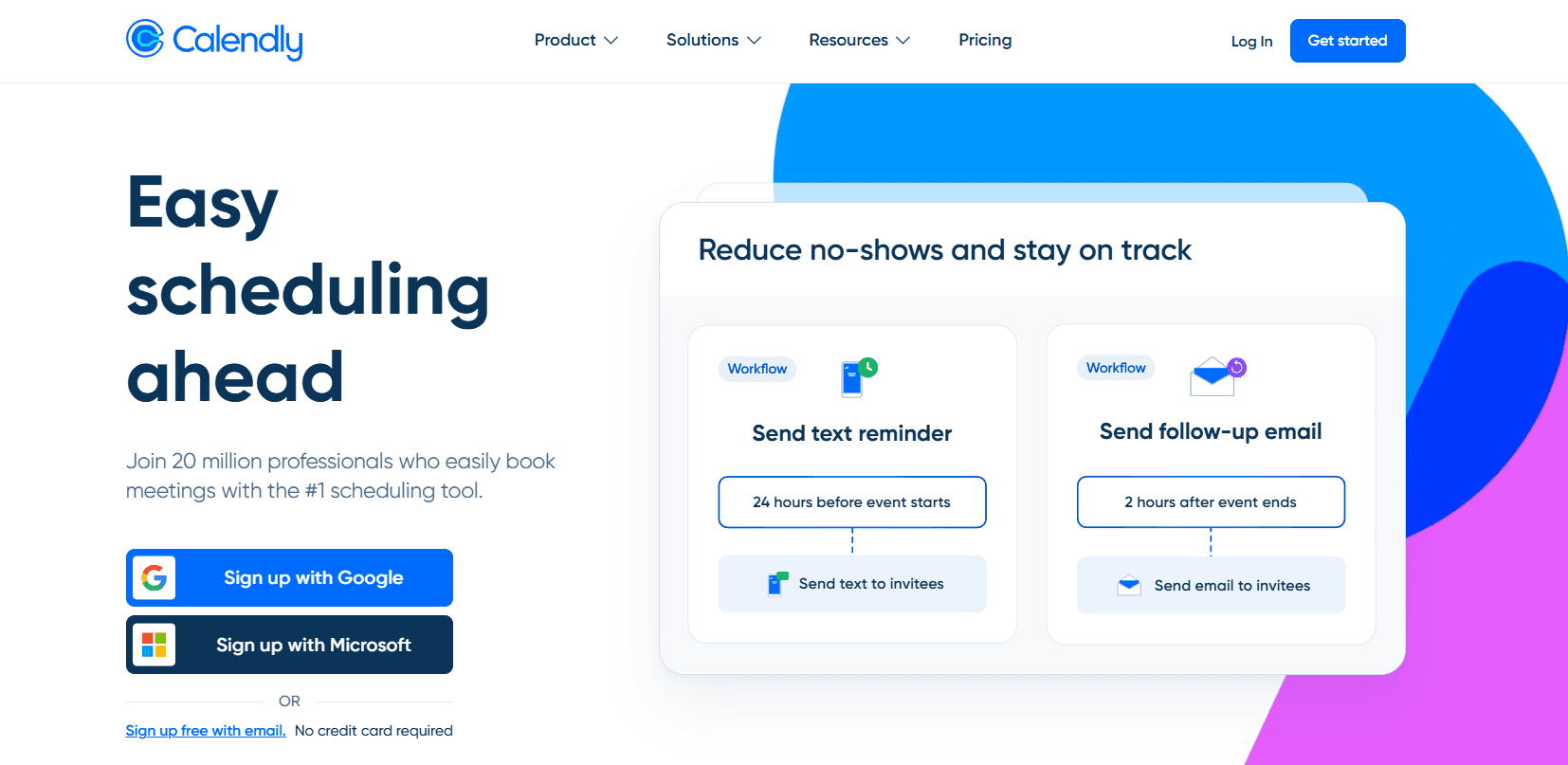
Core features
-
Google and Outlook calendar sync
-
Simple interface that’s easy to use
-
Zoom integration available
-
Automated meeting reminders
Pros
-
Easy and quick to set up
-
Works out of the box
-
Suit individuals with quick scheduling needs
Limitations
-
Advanced features are available for higher-paid plans
-
Limited automation features
-
Limited customization capabilities
Pricing
Calendly has a free plan that’s free forever for individuals. The paid plans start at $10/user per month, billed annually.
Best for
Individuals with simple scheduling requirements.
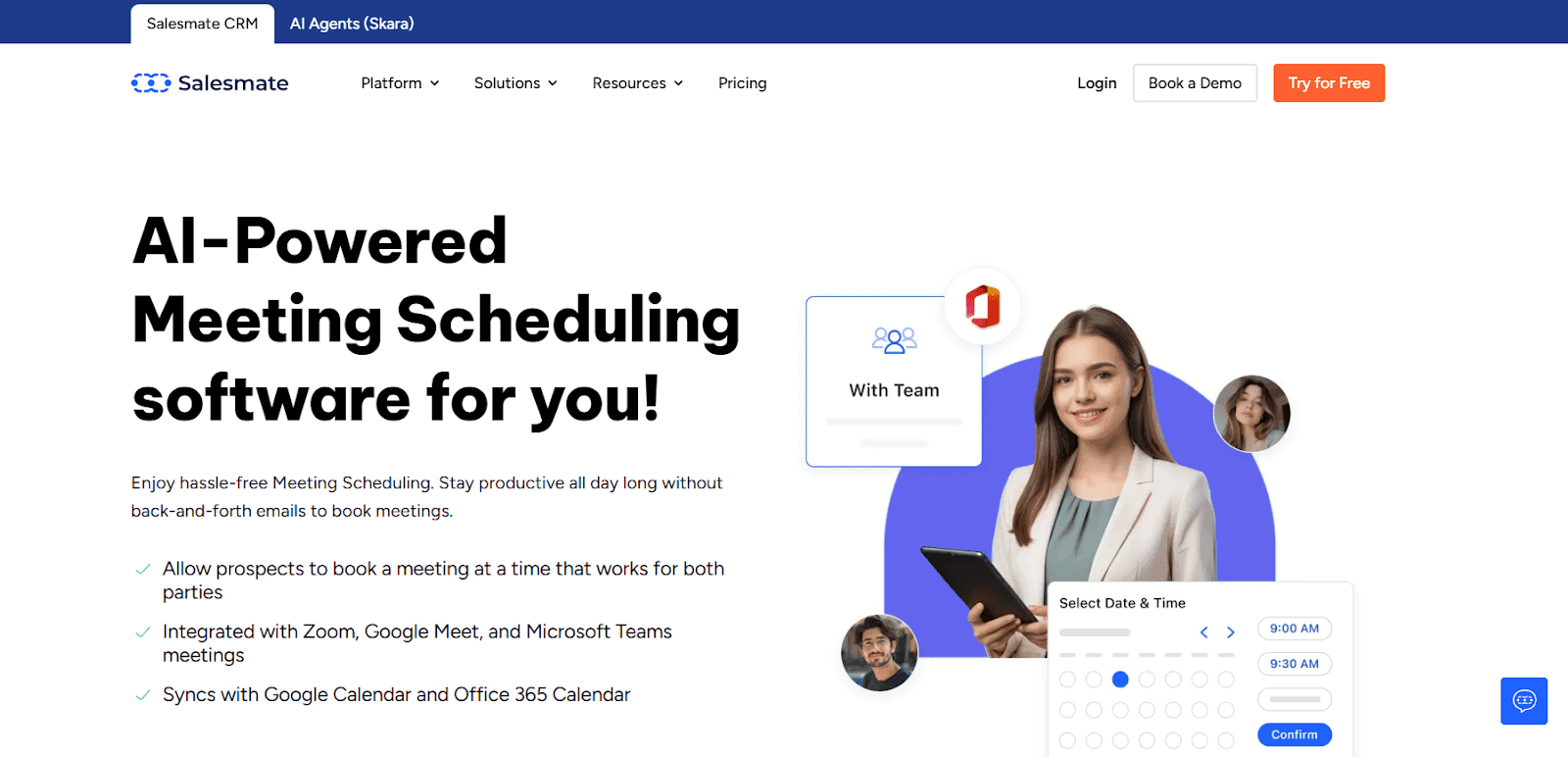
Salesmate is an AI-powered scheduling app built inside a modern CRM, designed to eliminate back-and-forth meeting coordination while helping teams convert conversations into revenue. Its built-in Meeting Scheduler allows users to share booking links, automate confirmations, and sync calendars instantly across Google and Microsoft accounts.
Instead of acting as a standalone calendar tool, Salesmate connects scheduling directly with contacts, deals, and communication history for full context. Teams can create one-to-one, group, team, or round-robin meetings while capturing custom information before every call.
Automated reminders and notifications reduce no-shows and improve meeting attendance.
Because scheduling lives inside the CRM, every booked meeting automatically updates pipelines and workflows. This makes Salesmate ideal for businesses that want scheduling to drive sales outcomes, not just manage calendars.
Pros
-
Built-in scheduler (no external tools required)
-
Calendar sync with Google & Microsoft instantly
-
One-to-one, team, and round-robin scheduling
-
Automated confirmations and reminder emails
-
Shareable or embeddable booking links for lead capture
-
Meetings are automatically linked with CRM data and pipelines
Limitations
-
Advanced customization may have a learning curve
-
No permanent free plan available
Pricing
Plans:
-
Basic: $23/user/month
-
Pro: $39/user/month
-
Business: $63/user/month
-
Enterprise: Custom pricing
Best For
Sales-focused scheduling teams.
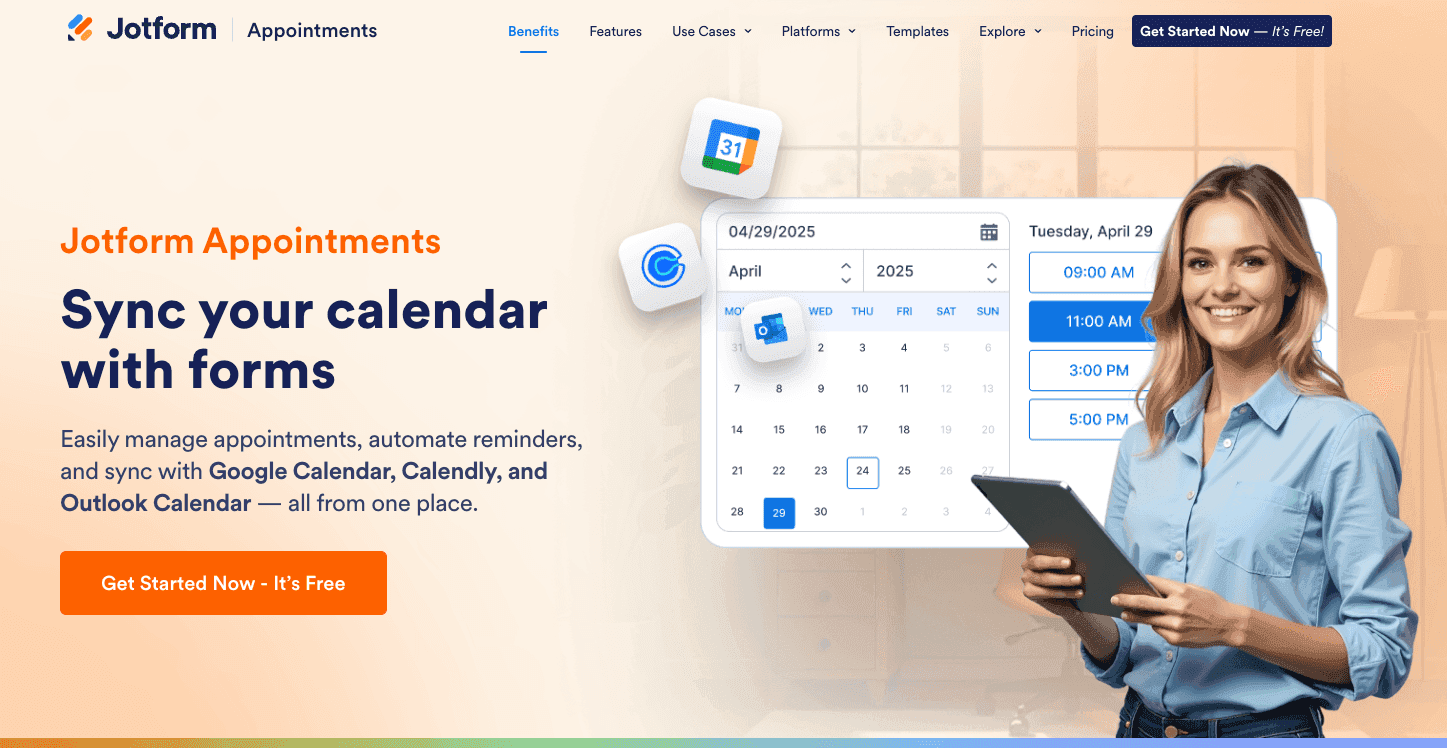
Jotform is a powerful form-building platform that doubles as a highly flexible scheduling tool. Unlike traditional schedulers, Jotform allows you to build completely custom booking experiences by combining appointment slots with complex forms, logic, and over 40 payment gateways. It is an ideal choice for businesses that need to collect extensive information or signatures at the exact moment a booking is made.
Core Features
-
Easily set duration, buffer times, and maximum bookings per day.
-
Show or hide specific scheduling options based on how the user answers previous questions.
-
Collect deposits or full payments via PayPal, Stripe, or Square directly on the booking form.
-
Automatically trigger approval emails or PDF receipts after a slot is booked.
Pros
-
Infinite customization for data collection beyond just the time slot.
-
Supports e-signatures and file uploads within the scheduling flow.
-
Massive library of 10,000+ templates to get started quickly.
-
Excellent mobile app for managing submissions and appointments on the go.
Limitations
-
Can be more complex to set up than a dedicated "link-and-go" tool.
-
The free tier has strict limits on the number of monthly submissions and branding.
-
Native two-way calendar sync is robust, but the interface is form-centric rather than calendar-centric.
Pricing
Free plan available; Paid plans start at $34/month (billed annually) for increased limits and no branding.
Best For
Healthcare providers (HIPAA-compliant plans available), educational institutions, and businesses that require detailed intake forms alongside appointments.
-
Acuity Scheduling: best for service-based businesses
Acuity Scheduling is an online appointment scheduler that’s built specifically for service-based businesses. It doesn’t offer great flexibility in its use case to support other businesses and specifically internal team scheduling. However, for businesses that want to set up appointments for one-on-one in-person consultations, Acuity Scheduling offers a reasonably priced and reliable booking engine.
Pros
-
Allows you to accept payments with appointments
-
Squarespace integration helpful for website embedding
-
Suitable for multi-location service-based businesses
Limitations
-
Advanced features are accessible only on higher-priced tiers
-
Limited automation features
-
Not best suited for non-service-based businesses
Pricing
Acuity Scheduling does not have a free plan. The paid plans start at $20 per month.
-
Doodle: best for team-based scheduling decisions
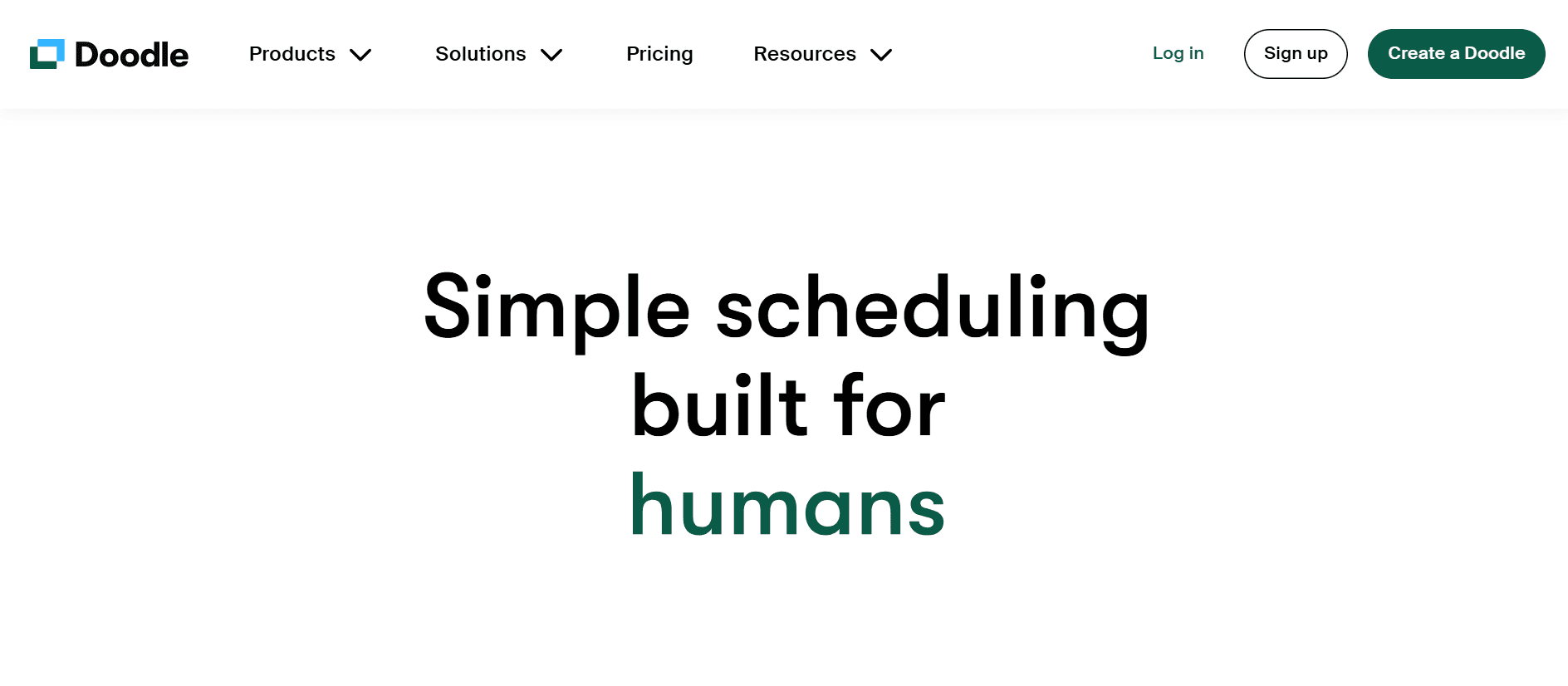
Doodle works on polls. It helps teams find common ground for meetings where each participant can vote as per their availability to come to terms with a common time for the meeting. This helps with quickly coming to decide a time that works for everyone in a group, especially when the group is large. Doodle works well for coming to terms with a meeting time, but it has limited functionality otherwise as a scheduling app for businesses that need to also manage client-facing scheduling.
Pros
-
Availability polls make it easy to schedule team meetings
-
Clean interface for quick decision-making
-
Easy to set up and works for team workflows
Limitations
-
Advanced features are limited and available only for paid users
-
Fewer customization options
-
Can’t function independently as a dedicated scheduling software
Pricing
Doodle has a free plan that’s available for individuals. The paid plans are priced starting at $14.95 per month.
-
Square Appointments: best for in-person appointment bookings
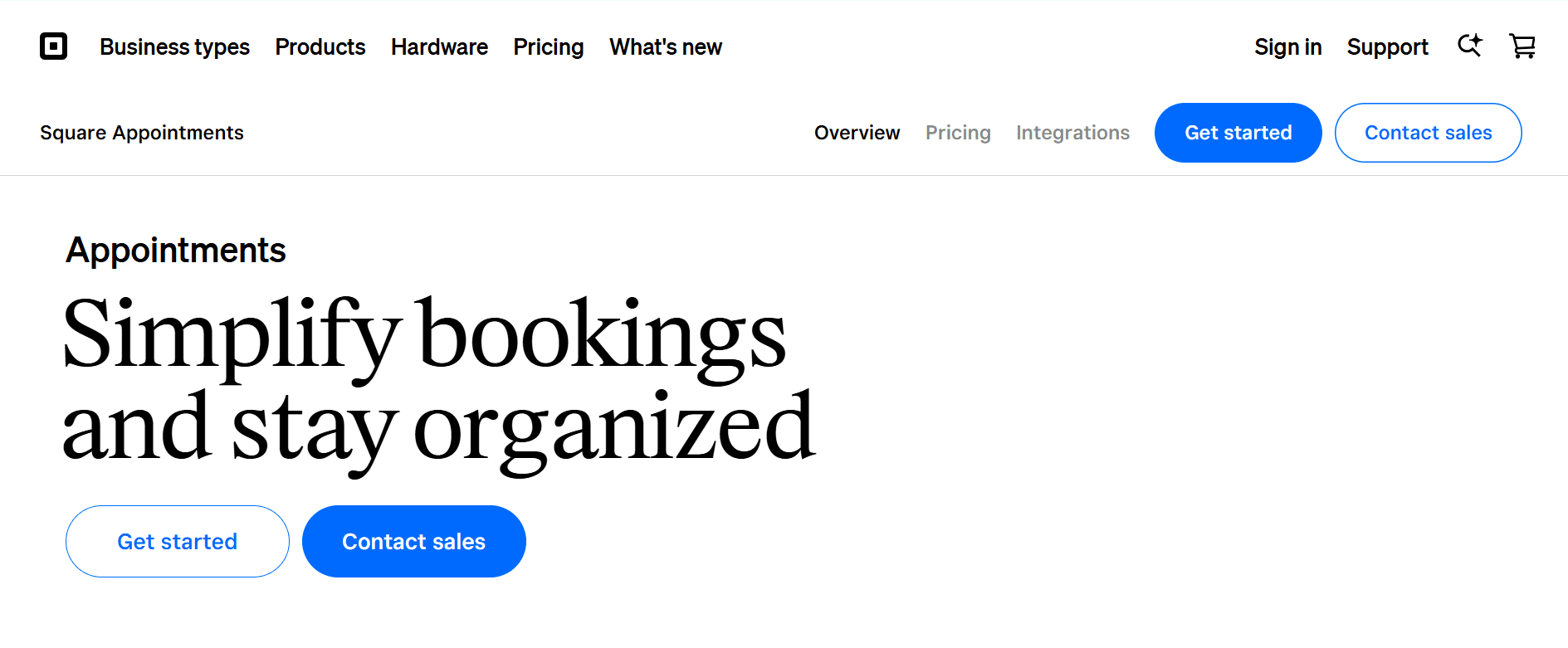
Square Appointments integrates very well with the Square POS and payments system. This makes it easy for service-based businesses to book appointments online and still accept payment for these appointments in person using POS machines. The integration also makes it easy to maintain client records because Square has its own native CRM software. However, despite the native CRM integration and payment support, Square Appointments do not have a lot of feature depth when it comes to scheduling.
Pros
-
Native integration with the Square ecosystem
-
Supports both online and offline payment processing
-
Offers protection against no-shows for appointments
Limitations
-
Requires using the Square interface to get the most benefits
-
Not suited for non-service-based businesses
-
Availability management features are not flexible
Pricing
Square Appointments has a free plan that’s available for individuals. The paid plans start at $49 per month.
-
HubSpot Meeting Scheduler: best for CRM-native scheduling
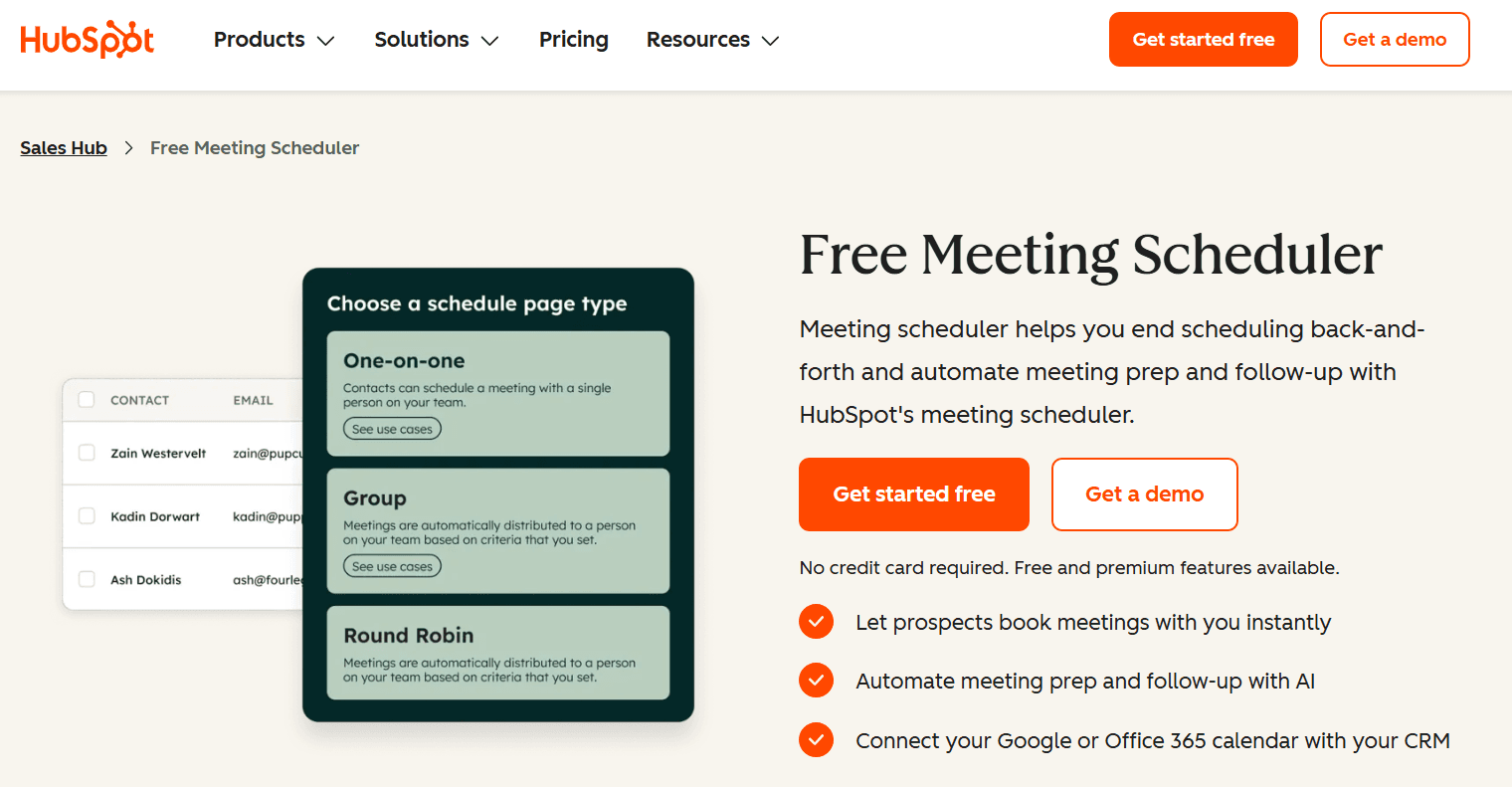
HubSpot is one of the more popular CRM options for businesses globally. It has its own scheduling software to make it easy for businesses to integrate scheduling into the CRM functionality. The Meeting Scheduler from HubSpot works well for routing and offers reliable booking and calendar sync thanks to the robust HubSpot infrastructure behind it. However, in terms of scheduling feature depth, the HubSpot Meeting Scheduler leaves much to be desired.
Pros
-
Fully integrated with HubSpot CRM
-
Lead routing helps assign meetings automatically
Limitations
-
Suited mainly for sales teams
-
Users must use the HubSpot CRM to get the most value
Pricing
The HubSpot Meeting Scheduler is free to use for anyone.
-
Zoho Bookings: best for B2B scheduling
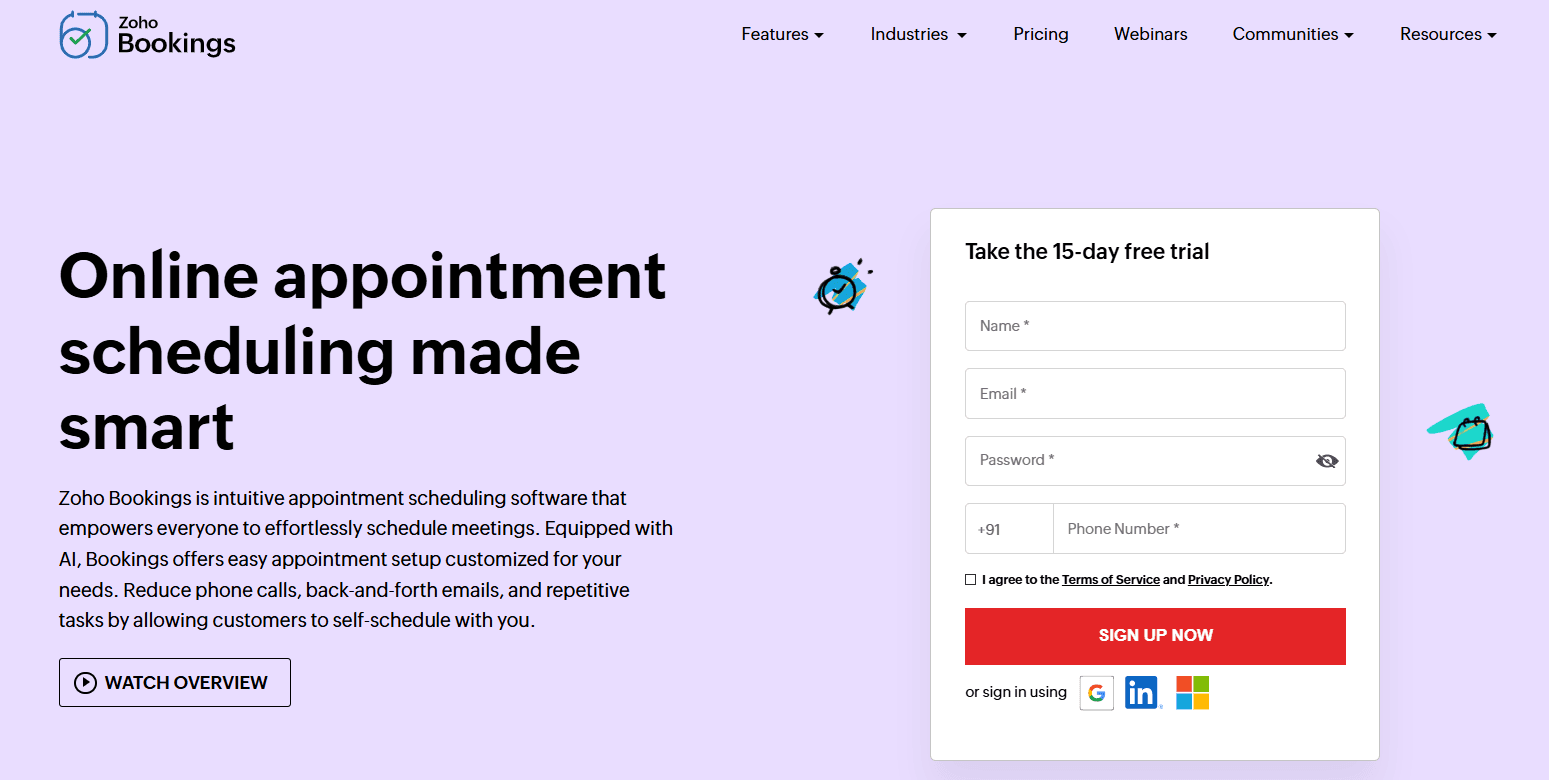
Much like the HubSpot Meeting Scheduler, the Zoho Bookings app is a part of the Zoho suite of apps. It integrates natively with the Zoho CRM. So, if you’re already using the Zoho ecosystem, this is a great addition to your workflow. However, if you’re not already using Zoho apps, it may not be possible or practical for you to use the Zoho Bookings app independently.
Pros
-
Affordable premium plans
-
Native integration with Zoho CRM
Limitations
-
No free tier
-
Suited only if you’re already subscribed to the Zoho ecosystem
-
The interface and features may seem dated to many users
Pricing
Zoho Bookings does not have any free plans. The paid plans start at $5.38 per month.
-
Google Calendar: best for easy appointment scheduling
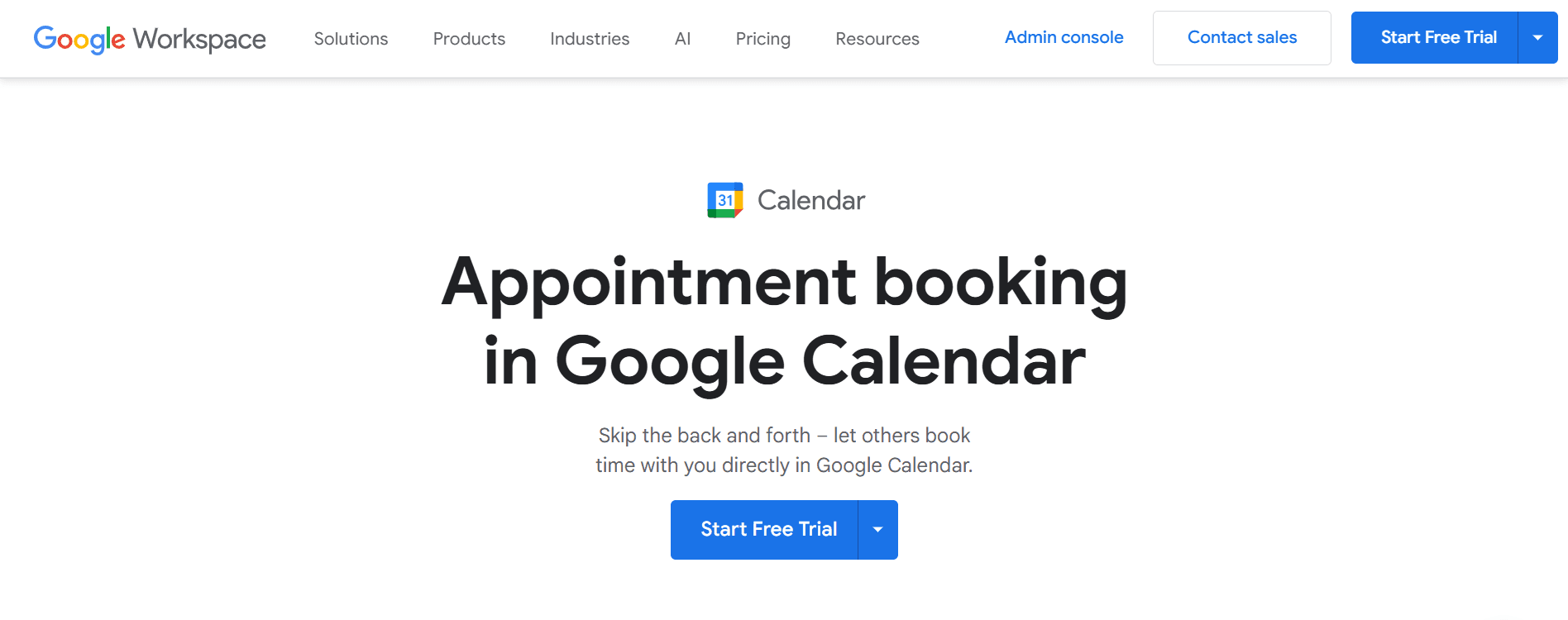
Many people don’t know, but even without any add-ons or complex setup, you can create a booking page with your availability on Google Calendar. The booking page is completely shareable, and anyone with the link can set up an appointment with you on any available slot as per your availability. Google Calendar takes care of time zone management and also notifies all the meeting participants automatically before the meeting. It is one of the easiest and truly free ways to set up a booking page and set up scheduling.
Pros
-
Integrates flawlessly with all Google apps
-
Integrates with Zoom and Google Meet for video conferencing
Limitations
-
Does not have extended scheduling features
-
Does not support payment integration
-
Does not support automated meeting routing features
Best for
Students, freelancers, and personal use.
-
Microsoft Bookings: best for the Microsoft ecosystem scheduling
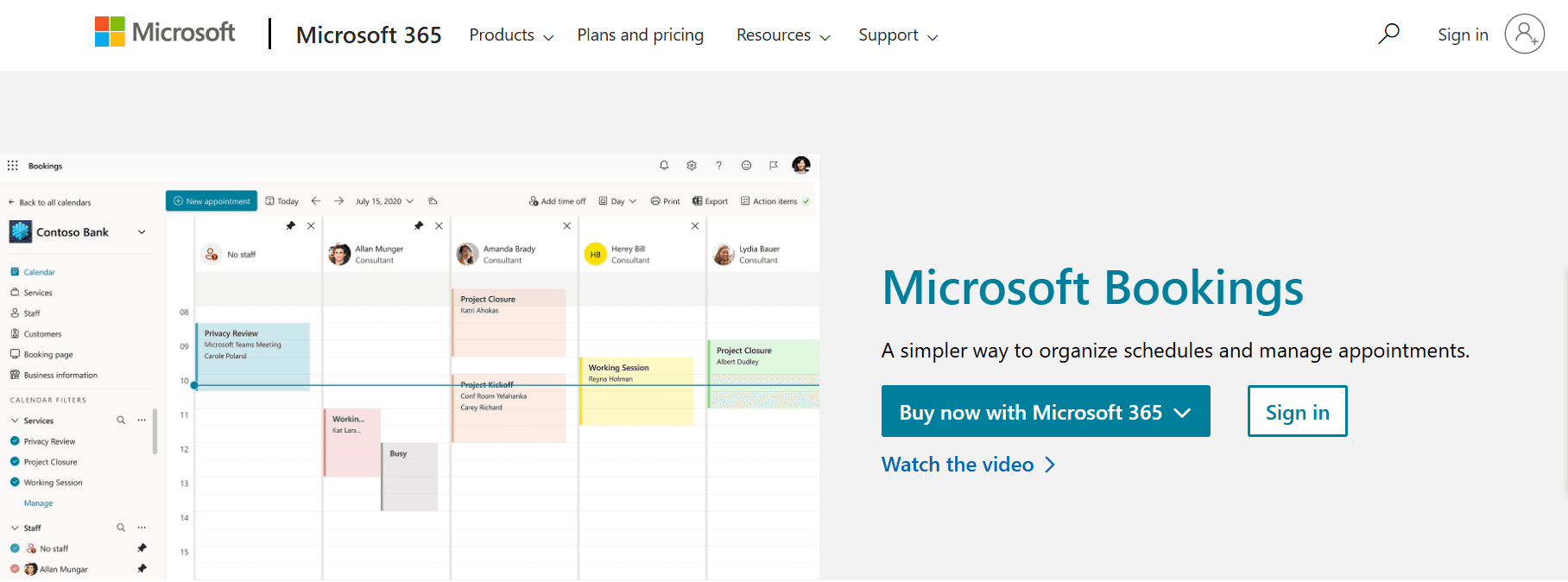
Microsoft Bookings works much like Google Calendar, except it is a separate app that adds on to your Outlook Calendar and offers a better, more robust scheduling experience compared to Google Calendar. The only reason Microsoft Bookings ranks below Google Calendar is that it is not free and cannot be used separately. You must have an active Microsoft 365 subscription to use Microsoft Bookings.
Pros
-
Tight integration with the Microsoft 365 ecosystem
-
Secure scheduling solution for enterprise-level businesses
Limitations
-
Suited only for businesses already using the Microsoft 365 ecosystem
-
Doesn’t offer intuitive scheduling solutions
Pricing
Microsoft Bookings cannot be purchased separately. It is packaged as a part of the complete Microsoft 365 subscription.
-
Setmore: best beginner-friendly scheduling app
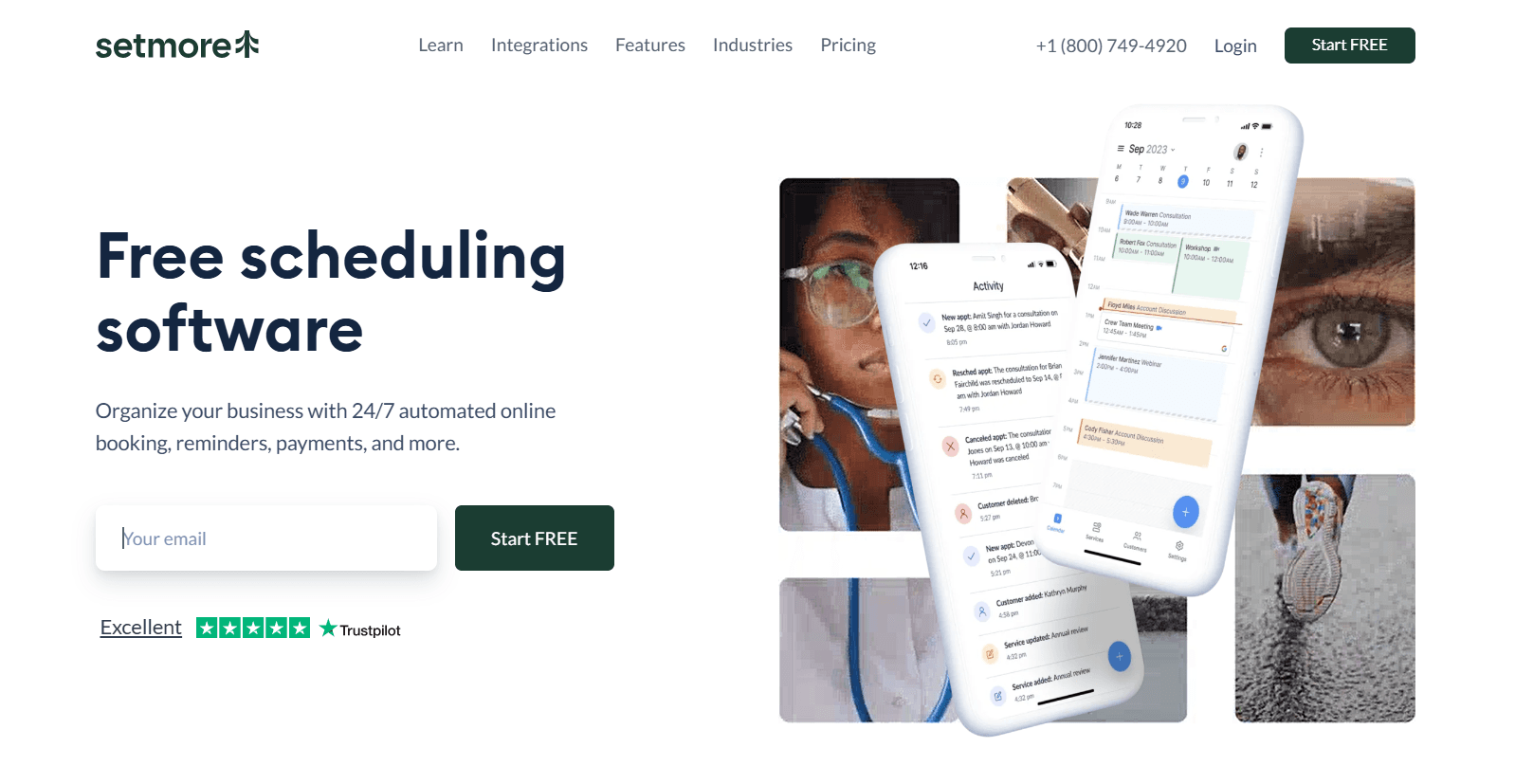
Setmore is an easy-to-use scheduling app that often comes up as the first result for a free scheduling app online. However, to burst your bubble, Setmore is not, in fact, free. It has a generous free tier, but it also has a paid plan that unlocks its full potential and scheduling capabilities. Setmore works well for individuals and small businesses with limited scheduling requirements.
Pros
-
Generous free plan
-
Automation options available
Limitations
-
Fewer advanced features
-
Does not support complex business scheduling
-
Limited integration capabilities
Pricing
Setmore is free for up to four users. Beyond that, users must go for the paid plans, which start at $12 per month.
Best scheduling app by use case
-
Best overall: Cal.com is the best overall scheduling app thanks to its customizability, use case flexibility, integration capabilities, transparent pricing, and ease of use. It has a robust free plan, which makes it easy for anyone to try Cal.com before buying the pro plans.
-
Best free option: Cal.com leads in this division again with one of the most generous free tiers available on any scheduling app in the market. Two-way CRM and calendar sync, as well as unlimited events and unlimited appointments, are all offered under the free plan of Cal.com. This makes its value undeniable and unmatched among competitors.
-
Best for businesses: As a business, if you want to get the most value out of your CRM, you can go for the HubSpot Meeting Scheduler, Zoho Bookings, or Microsoft Bookings. These are CRM native scheduling apps. However, if you want the most system flexibility and scalability, choose Cal.com.
-
Best for service-based businesses: Service-based businesses have a lot of options when it comes to scheduling apps. They can choose between Acuity Scheduling, Setmore, or Square Appointments for both in-person and online appointment flexibility. However, if you’re an online service provider, Cal.com is the best scheduling platform for you.
-
Best for creators: Creators and freelancers who need a simple, no-nonsense scheduling app can use Cal.com or Calendly to meet their scheduling requirements. Both options provide great value for their free plan and reasonably priced pro plans to help you get started.
-
Best for teams: Teams that need internal scheduling and coordination must use Cal.com for its robust round-robin scheduling features, lead routing capabilities, as well as its close integration with CRMs, ERPs, EHRs, and other professional business management software.
Final verdict
Finding the best scheduling app depends a lot on your goals and requirements. However, if you want a level playing ground that can help you meet all your requirements equally and have incredible scalability to grow with your business, choose Cal.com.
The platform provides incredible value to its users and is trusted by millions across the globe. It offers highly coveted enterprise-grade data security and compliance support to ensure your scheduling and business information is always guarded with enterprise-grade security.
For more information, feel free to set up an account and try out the free plan of Cal.com today.
Frequently asked questions
1. What is the best scheduling app for 2026?
The best scheduling app for 2026 is Cal.com, as per our rankings. It wins because of its incredible feature depth, customization options, automation features, integration capabilities, transparent pricing, and beautiful UI. For more information, you can try out Cal.com’s free plan to learn more about the software.
2. Which scheduling app is best for businesses?
If you want the most flexibility in use cases and also want equal support for client-facing and internal team scheduling, Cal.com is the best choice. It helps you manage both ends of scheduling while integrating seamlessly into any existing workflow without any problems.
3. Which scheduling app is best for personal use?
If you just want simple scheduling for personal use, you can use the Google Calendar booking page features for personal use. It is completely free to use and easy to set up. If you want more power and integration capabilities, choose the free plan of Cal.com for flexible end-to-end scheduling solutions.
4. Is Cal.com free?
Cal.com has a generous free tier that’s free forever for individuals. However, Cal.com is not a free scheduling app. It has paid plans that are reasonably priced to help businesses of all sizes avail end-to-end scheduling solutions.
5. Which app offers the most automation?
That would be Cal.com with support for complex automation and routing features that function on rule-based logic. It makes the decision engine very predictable and reliable, and less prone to failure, compared to apps that use single-layer AI logic.
6. Which scheduling app is easiest for teams?
If you just want an app that can help your team come to terms on when to start a meeting when many people are involved, using Doodle is a free and easy way to get started. However, for more robust team scheduling, the best solution is Cal.com.
7. Can I use scheduling apps for client appointments?
Yes, you can use scheduling apps to help your clients self-book appointments with you based on your availability. You can predefine the length of each appointment and also your availability, including the maximum number of appointments you’ll accept per day, the buffer time between each appointment, and blocked hours for focused work.
8. Which scheduling app integrates with Google Calendar?
Most scheduling apps available today integrate with Google Calendar; however, if you’re looking for two-way sync and integration with Google Calendar, that’s offered by Cal.com, even under its free plan, making the feature available to all users.
9. Which scheduling app works best for service businesses?
The scheduling app that works best for service-based businesses can range from Acuity Scheduling, Setmore, and Square Appointments to Cal.com. The difference lies in your goals and your overall business structure. The first options are great if you have an in-person service-based business. The latter is best for online service-based businesses.
10. What is the best free scheduling app?
There are very few truly free scheduling apps, such as Google Calendar and HubSpot Meeting Scheduler. However, if you’re talking about the free tier of a scheduling software, Cal.com is the best as it offers the most features and value for users.